
Nano Banana 2 Online: Gemini AI Image Generator and Photo Editor

Use Nano Banana 2, the Gemini image model, for text-to-image and Gemini photo editing online in 1K, 2K or 4K. Pay per image with credits, no subscription required.



Content generated on this platform is produced by artificial intelligence models and does not represent the platform's position. [Disclaimer]. [Privacy Policy].
All Available Modes (30)
Featured Case Studies
At ViNano AI, use the most advanced ViNano AI model technology to generate images, then explore exciting AI-generated video content, experience the unlimited possibilities of creative videos
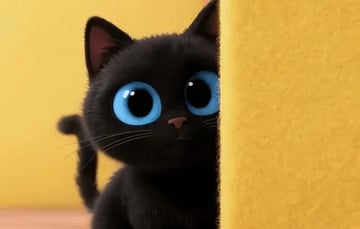

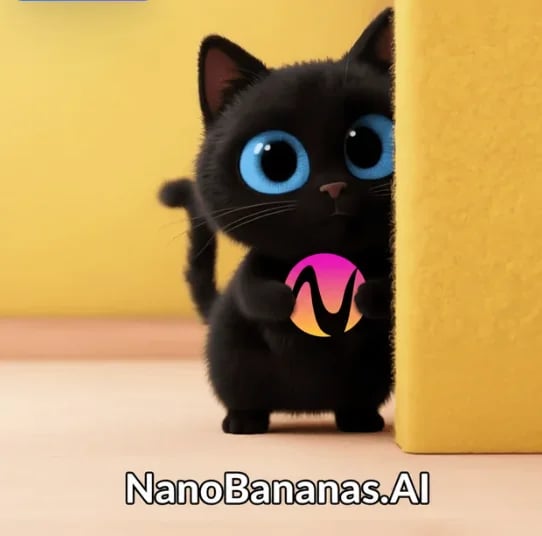
E-commerce Product Runway
From image to product runway video, you only need a few product material original images, and it can be completed in a few minutes.
Step Process
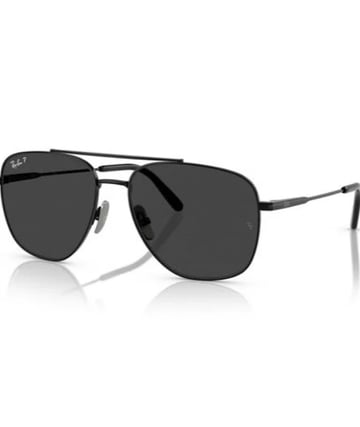
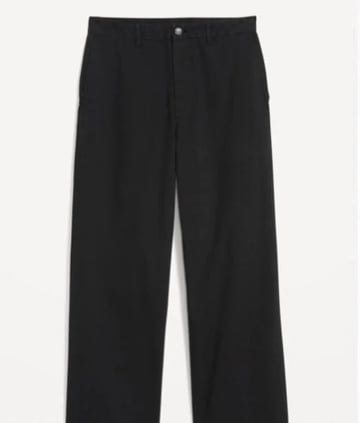
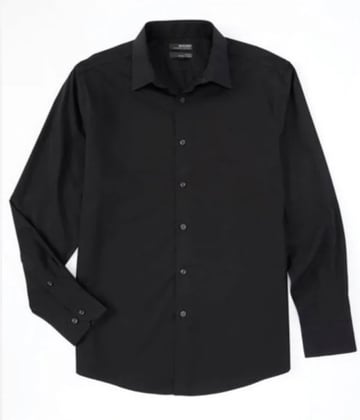
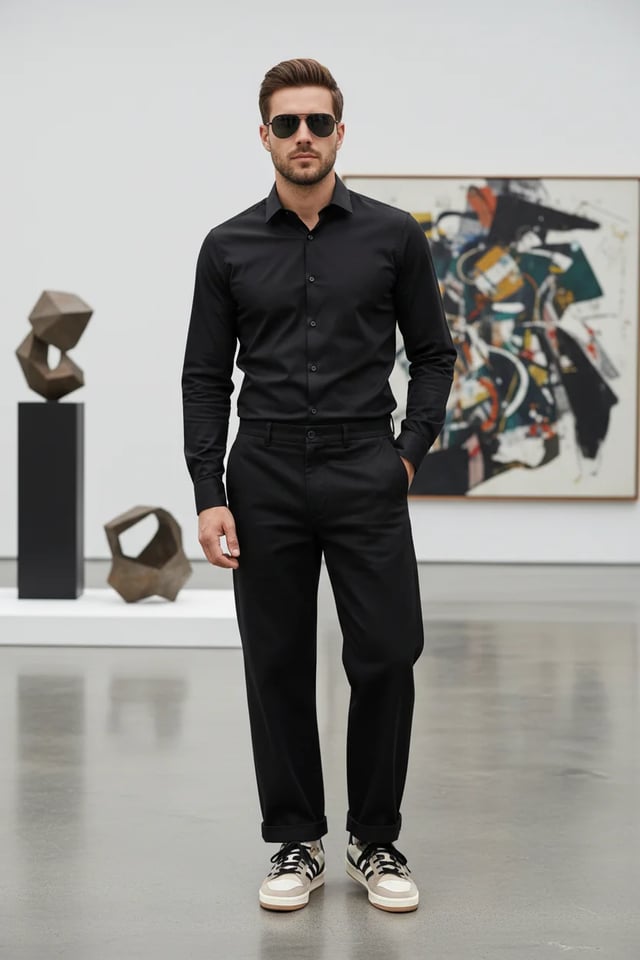
Prompt example for generating e-commerce product display image
"Compose a complete men's outfit photograph featuring: stylish clothing items, accessories, sunglasses, and the male model wearing the complete coordinated look. Create a full-body fashion photograph with professional studio lighting. Show the outfit styling in an elegant, modern setting. Use fashion photography techniques with proper posing, lighting, and background. Ensure all accessories complement the overall aesthetic for a sophisticated, contemporary men's fashion editorial look."
...Click to view full promptPrompt example for generating e-commerce product display video
"Generate a cinematic high-fashion runway show video featuring a confident male model wearing an all-black outfit (black shirt, tailored black trousers, sunglasses, and stylish sneakers). The runway is futuristic and illuminated by dramatic white spotlights, with a cheering audience seated on both sides, flashing cameras, and a glamorous fashion week atmosphere. Start with an establishing wide-angle shot: the runway extends forward, lined with LED floor panels glowing beneath his steps. Audience members clap, some raise phones to record, flashes from cameras sparkle across the room. Cut to a medium shot of the model walking confidently, his sunglasses reflecting the bright runway lights. Track the camera smoothly alongside him, highlighting his posture and self-assured expression. Transition to a close-up slow-motion shot of his feet as they strike the runway with sharp precision, showing detail in his sneakers and the polished surface of the stage. Switch to audience reaction shots: elegant guests applauding, paparazzi taking photos, phones capturing video, faces lit by camera flashes. Add dynamic pans that follow the energy of the crowd. Include background details like fashion show banners, subtle haze from stage fog, and moving spotlights crossing the ceiling. Introduce a crane shot sweeping from above, capturing the model's silhouette walking down the illuminated runway, surrounded by light beams cutting through the dark hall. Transition to a dolly-in shot focusing on his torso and face, emphasizing charisma and presence. Add subtle lens flares and cinematic depth of field. As he approaches the end of the runway, create a dramatic pause: zoom in to his face as he briefly removes his sunglasses, looking into the camera with a confident smirk. Audience erupts with applause, flashbulbs explode, and the lights intensify around him. Conclude with a full frontal shot: the model stops at the runway edge, striking a final pose under a spotlight, with the crowd cheering and lights shimmering. Fade out with the echoes of applause and the flicker of camera flashes, leaving a powerful high-fashion impression."
...Click to view full prompt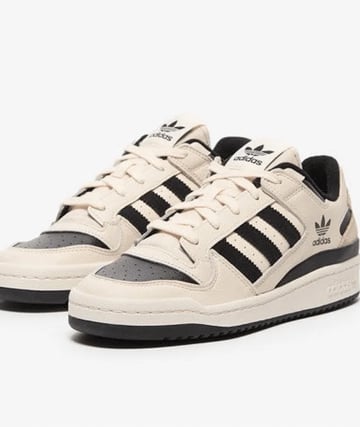

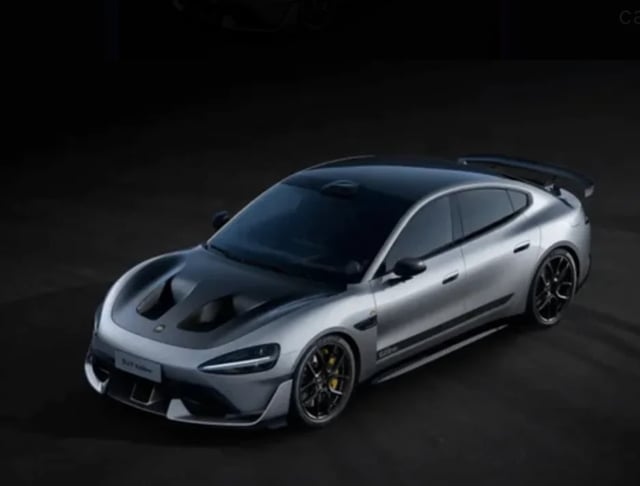
Sports Car Assembly on Track
From car parts image, assembly into sports car, then AI-generated track video, you only need one car material original image, and it can be completed in a few minutes.
Step Process
Prompt example for generating sports car assembly image
"Assemble the car parts in this picture into a complete sports car, viewing at a 45-degree angle, keeping the body color unchanged"
Prompt example for generating track video
"An 8-10 second cinematic car commercial. A futuristic silver sports sedan with a carbon-fiber hood races down a dark runway at night. Start with a dramatic wide shot of glowing runway lights igniting one by one as the car speeds forward. Camera sweeps low across the asphalt, capturing sparks from the tires and golden brake calipers flashing. Slow-motion side view of the car drifting through neon-lit curves, the metallic body reflecting streaks of light. Quick aerial drone shot as the car accelerates, engine roaring, leaving behind glowing light trails. Final close-up: the car bursts through smoke, headlights blasting directly into the lens, ending with a neon logo reveal and explosive bass hit."
...Click to view full prompt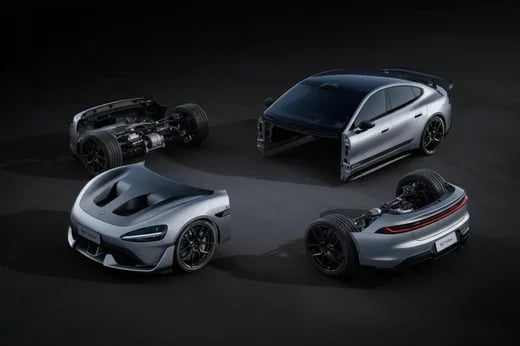
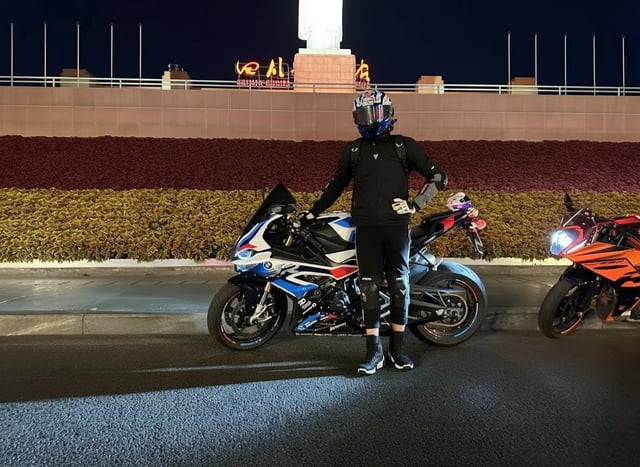
Cool Vehicle Pose
From ordinary vehicle photos to cool character poses, showcasing more dynamic vehicle-themed scenes, requiring only one original image to complete the creation.
Step Process
Cool pose image generation prompt example
"Change the person in the photo to get out of the car, stand next to the car, and pose in a cool way"
Motorcycle racing in rain video generation prompt example
"Use the motorcycle and rider in the picture to generate a photo of riding fast in the rain. In the lens, you can see raindrops falling, passing through a puddle, splashing a little water towards the lens, and then the lens immediately switches to capture the back of the motorcycle."
...Click to view full prompt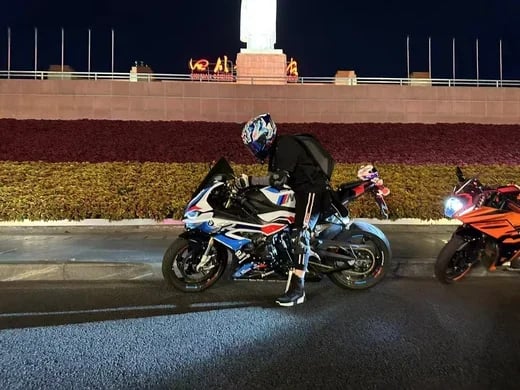
Sci-fi Warrior Transformation
Amazing transformation from business person to future warrior, cinematic special effects showcasing sci-fi charm.
Step Process
Sci-fi warrior transformation video generation prompt example
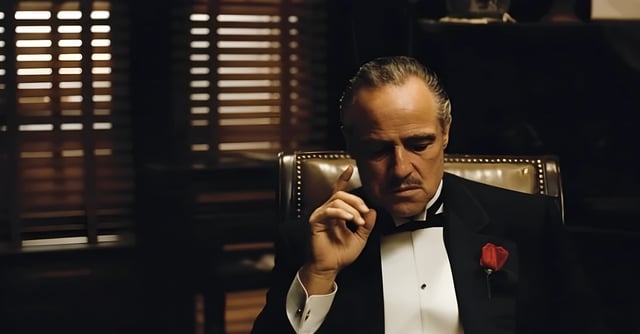
"A cinematic 8-second video in a dark, dramatic office with Venetian blinds casting striped shadows across the room. Scene begins with the man on the left, who was leaning in to whisper, slowly standing upright and walking away into the shadows. The camera tracks smoothly, keeping the central figure in focus. The central man, seated in a leather chair, lowers his hand, then rises slowly with authority. As he stands, his elegant black tuxedo instantly transforms into a glowing, futuristic Iron Man–style suit of armor, with metallic plates snapping into place across his body in rapid succession. The camera performs a dynamic dolly zoom, emphasizing the transformation. Once fully armored, he raises his right arm, a glowing weapon emerges, and he points it directly at the camera. The camera shifts to a close-up, the glowing barrel of the weapon filling the frame. In the final moment, a powerful energy blast fires directly into the lens, and the screen flashes white with cinematic sound design."
...Click to view full prompt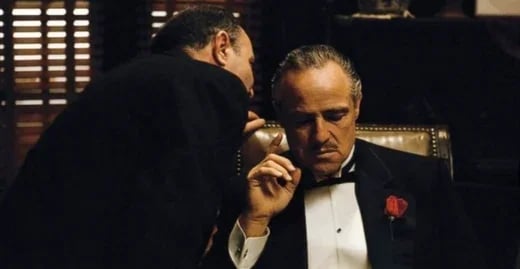
Gemini Photo Editing: Nano Banana 2 on ViNano vs. the Gemini App
ViNano AI is an independent service, not a Google website. It runs Nano Banana 2 through API access and adds the tools around it.
Text-to-image and Gemini photo editing
Start from a prompt, or upload a reference photo and describe the change. This page opens in image-to-image mode, so you can edit a photo right away.
1K, 2K or 4K output
Pick 1K, 2K or 4K before you generate. Available sizes and credit costs depend on the model settings and are shown on the generate button. The image is generated at that size, not upscaled afterwards.
Compare with other models
Switch to Nano Banana Pro, the original Nano Banana or GPT Image 2 in the same model menu and run the same prompt to compare.
Text inside images
Nano Banana 2 can render short text in many languages. Put the exact words in quotation marks and check spelling and legibility before you use the image.
Runs in the background
Generation time depends on the resolution and the service load. You can leave the page; finished images appear in your history.
Prompts in your language
The interface is available in 11 languages, and you can write prompts in any of them.
Pay per image
Buy a one-time credit pack and spend the credits on any model. A monthly plan is optional, not required.
One history for every model
Results from all models stay in one history list, where you can download them or reuse one as the next reference image.
See the cost first
The generate button shows the credits for the model and size you picked before you start. Nano Banana 2 needs a paid account; free credits work on Nano Banana and ViNano Basic.
What Is Nano Banana, and How Is It Related to Gemini?
"Nano Banana" is the popular nickname for Google's Gemini image models: Nano Banana is Gemini 2.5 Flash Image, Nano Banana Pro is Gemini 3 Pro Image, and Nano Banana 2 is Gemini 3.1 Flash Image. ViNano AI lets you use them in the browser through API access. It is not affiliated with Google.
- Create images from text with Nano Banana 2Describe a scene, a product shot or an illustration in plain words. Nano Banana 2 handles long, detailed prompts and can keep a character or object consistent across variations.
- Gemini photo editing: describe the changeUpload a photo and say what should change: the background, the lighting, the colors or one object. Also say what must stay the same, such as a face or a product label.
- Pick 1K, 2K or 4KUse 1K for quick drafts and 2K or 4K for the version you keep. Higher resolutions cost more credits and take longer.
Nano Banana 2 FAQ
Gemini, pricing, free credits and image rights.
Is this the official Google Gemini website?
Can I use Nano Banana 2 for free after signing up?
What is the difference between Nano Banana, Nano Banana 2 and Nano Banana Pro?
How do I edit a photo with Nano Banana 2?
Which resolution should I choose?
Can I write prompts in my own language?
Which resolution should I choose?
Can I use the images commercially?
How do I compare Nano Banana 2 with GPT Image 2?
Try Nano Banana 2 Online
Write a prompt or upload a photo, pick 1K, 2K or 4K, and check the credit cost before you generate.