
GIF Studio
AI GIF Generator: turn an idea into a GIF.
Use the AI GIF maker to turn a prompt or a photo into an animated GIF with GPT Image 2.6. Preview the loop, then download the original GIF file.
Image to GIF · Text to GIF
Create your GIF
Confirm the credit cost before generating
The current price is unavailable. Refresh the quote before generating.
One GIF per generation · No audio · Download the original
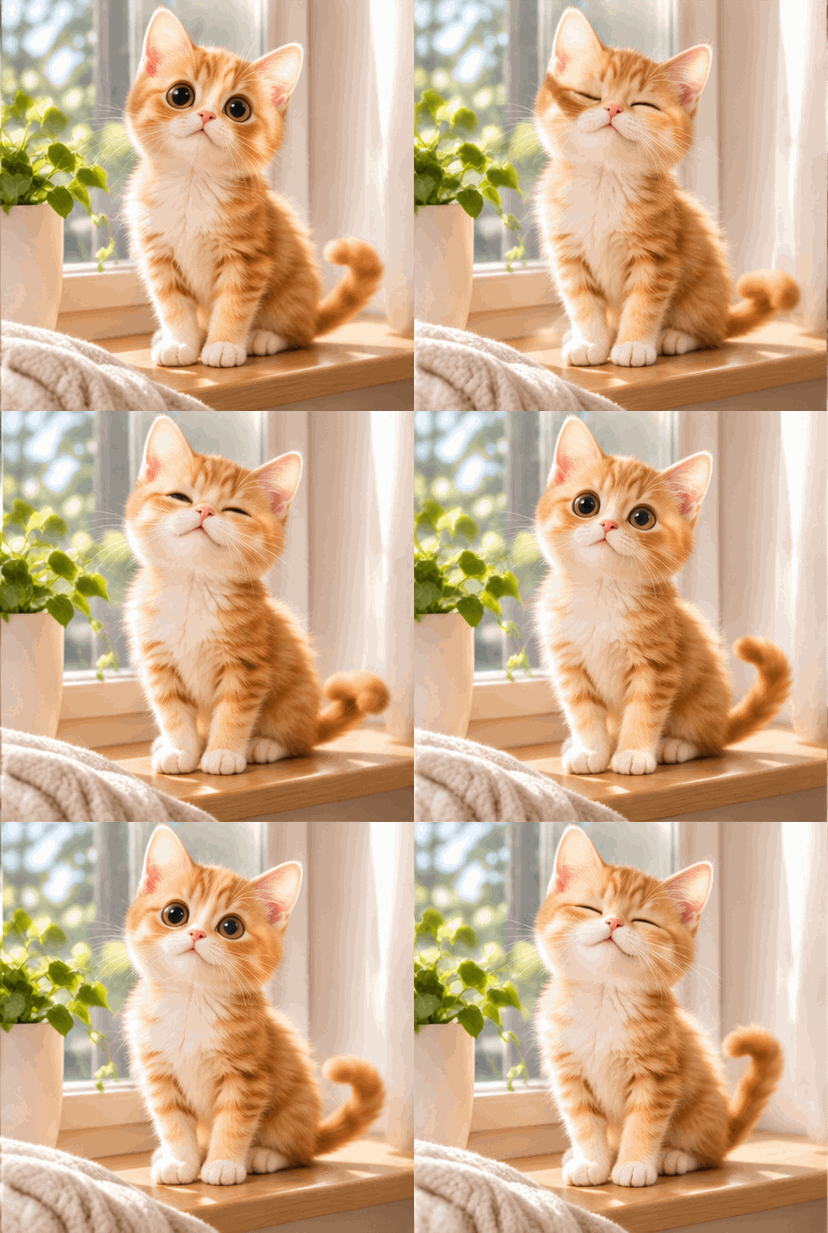 Example · GIF
A little motion starts here.
Your generated GIF will appear here. Upload an image or start with a description.
Use images you have permission to use. Obtain consent before using images of real people.
Start with one small motion
Choose a prompt, then make it your own.
Choose a starting point
Upload a reference or start with text.
Describe one clear motion
Say what moves and what stays consistent.
Preview and download
Check the result and save the original GIF.
What is an AI GIF generator?
An AI GIF generator makes a short animated GIF from a description. Instead of cutting frames out of a video or drawing every frame by hand, you describe the motion in one sentence and the AI GIF maker creates the frames and loops them for you.
ViNano GIF Studio works in two ways. With Text to GIF, a prompt is all you need. With Image to GIF, you upload a photo or an illustration and say how it should move. Each generation runs on GPT Image 2.6 and returns one animated GIF that you can preview, pause and download as the original file.
What you can do with this AI GIF maker
Text to GIF
Describe a subject and a motion, such as a cat waving or a cup of coffee steaming, and get an animated GIF without uploading anything.
Photo to GIF
Upload one JPG, PNG or WebP image up to 10 MB. The AI keeps the look of your picture and animates the motion you describe.
Original GIF download
Save the GIF exactly as it was generated, with every frame intact, ready for chats, social posts, slides and web pages.
Price before you generate
The credit cost appears before you confirm. If a task fails, its credits are returned to your account.
Ideas for AI-generated GIFs
Reaction GIFs and greetings
A wave, a wink, a thumbs-up or a happy bounce to send in chats and group messages.
Animated stickers
Give an emoji-style face or a simple character a looping motion for your sticker set.
Mascots and original characters
Bring a brand mascot or your own character to life with a short, consistent loop.
Product motion
Show a product turning slowly or a detail catching the light for listings, ads and social posts.
Animated photos
Make a pet photo blink or a portrait smile. Use photos of people only with their permission.
Prompt tips for better AI GIFs
- Describe one clear motion. Short actions such as waving, blinking, nodding or turning loop more smoothly than a busy scene.
- Say what must stay the same: the face, colors, outfit, logo or background. This keeps the frames consistent.
- Ask for a fixed camera and a loop, for example: “fixed camera, the motion returns to the starting pose, seamless loop.”
- For Image to GIF, start with a sharp picture where the subject stands out against a simple background.
- Leave words out of the animation. Text inside a GIF can change from frame to frame, so add captions afterwards if you need them.
AI GIF generator FAQ
Is the AI GIF generator free?
Creating a GIF uses credits from your ViNano account. The exact cost appears in the confirmation step before anything is submitted, and credits for a failed task are returned.
How do I make a GIF from a photo with AI?
Choose Image to GIF, upload a JPG, PNG or WebP photo up to 10 MB and describe the motion, for example “the dog wags its tail and tilts its head.” Review the cost and generate, then preview the result and download the original GIF.
Can I make a GIF from text only?
Yes. Choose Text to GIF and describe the subject, the motion and the style. The AI GIF maker creates every frame without a reference image.
How long does it take to generate a GIF?
In our tests a GIF was ready in about 40 seconds. It can take longer when many tasks are running. You can leave the page and find the result in My Images later.
What size is the GIF, and does it have sound?
Each generation returns one square animated GIF with no sound. The model decides the exact pixel size and number of frames, and the result is a short loop.
Can I turn a video into a GIF here?
Not on this page. GIF Studio creates GIFs from a prompt or a still image and does not convert video files. To turn a photo into a video clip instead, use ViNano's image-to-video tool.
Can I use photos of real people?
Only use images you have the right to use, and get consent before you animate a real person. Requests that break the content rules are declined.
Where do I find my GIFs later?
Finished GIFs appear under Recent creations on this page and in My Images in your account, where you can download them again.