
AI Hug Video Template
AI Hug puts two people in the same frame and has them share a natural hug. It helps when one of you lives far away, or when a thank-you needs more than a still photo. Upload one photo per person, or one photo where both already stand together.
Photos
Clear face, whole head in frame, no sunglasses. JPG, PNG or WebP.
Up to 10 MiB · 512–5999 pixels per side
Settings
Photo to video
Input photos
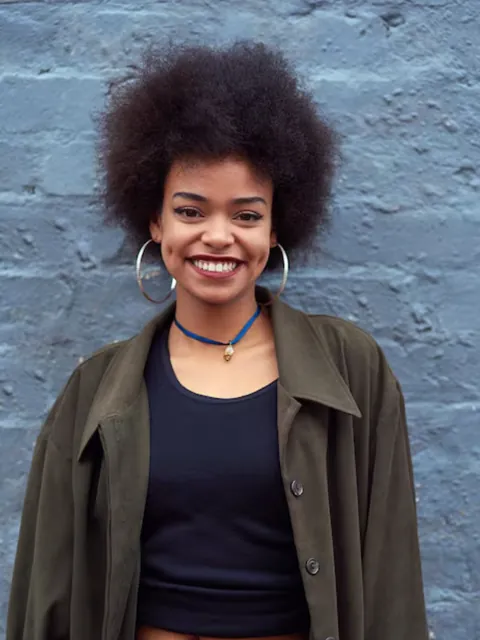

Generated video
Good for
Across the distance
Parents abroad, a friend in another time zone.
Thank a mentor
A hug for the person who helped you through the year.
Anniversary
Two old photos, one new moment.
Photo tips
Front-facing, chest-up photos in similar light give the most natural hug. Avoid photos where arms are crossed in front of the body.
AI Image Editor ↗How it works
Upload one photo, or separate photos for two people.
Choose model, length (5 / 10 seconds) and shape.
Check the credits and generate.
Frequently asked questions
Do both people need to be in one photo?
No. Two separate photos are recommended.
What if I upload only one person?
The person gives themselves a hug, which suits a playful self-care post. For two people, upload both.
Can I use a photo of someone who has passed away?
Only with the family's agreement. The result is generated and won't match real memories exactly, so watch it before sharing.
Does the clip have sound?
Yes, sound is generated with the video.
Will it look exactly like the example?
No. Each video is generated fresh, so motion and details differ every time.
What if generation fails?
Check the task status and your credit history for the outcome. Contact support if a failed task remains unresolved.
Related templates
View all templates →Money Rain
Banknotes pour down around your photo.
1 photo(s) · 5s
Red Carpet
Step into a premiere under flashing cameras.
1 photo(s) · 5s
Hotel Lobby Rap
Two friends take turns rapping in a grand hotel lobby.
2 photo(s) · 12s