Photo to Anime
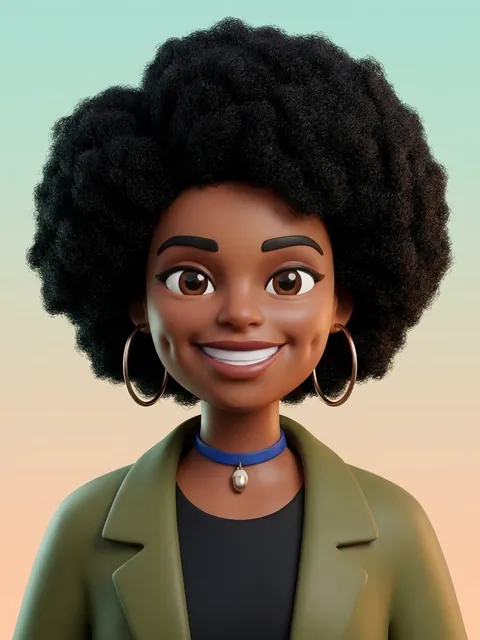
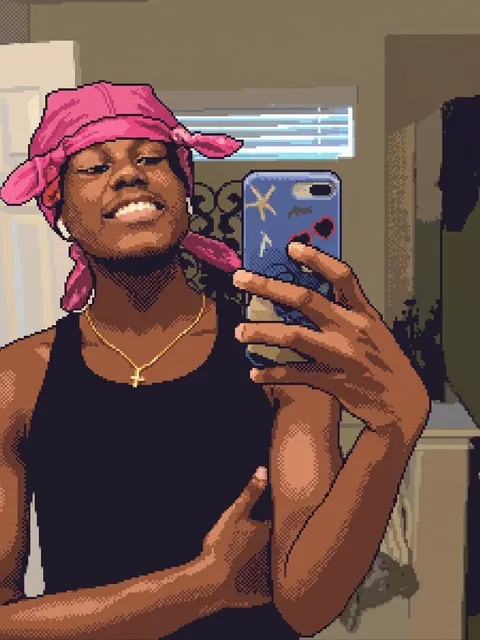
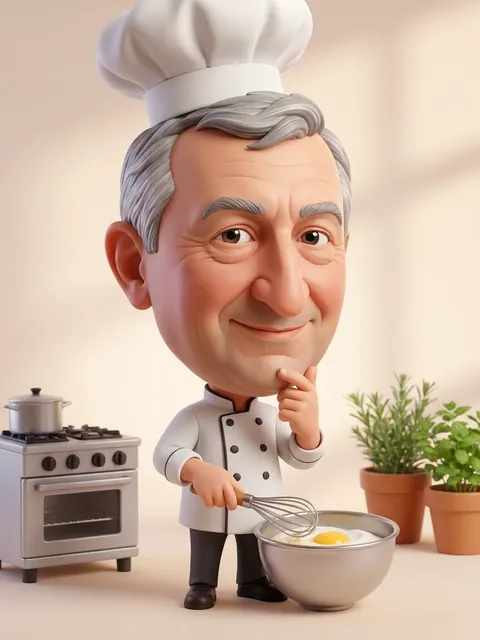
Turn a photo into an anime scene in full color. Choose modern TV anime, a hand-painted film look, 90s retro anime or a Korean webtoon style, and the AI redraws the people and setting while keeping poses, outfits and composition.
Photos
Your photo
A clear, well-lit photo works best. JPG, PNG or WebP.
Up to 10 MiB · 512–5999 pixels per side
Anime style
Settings
Example
 After
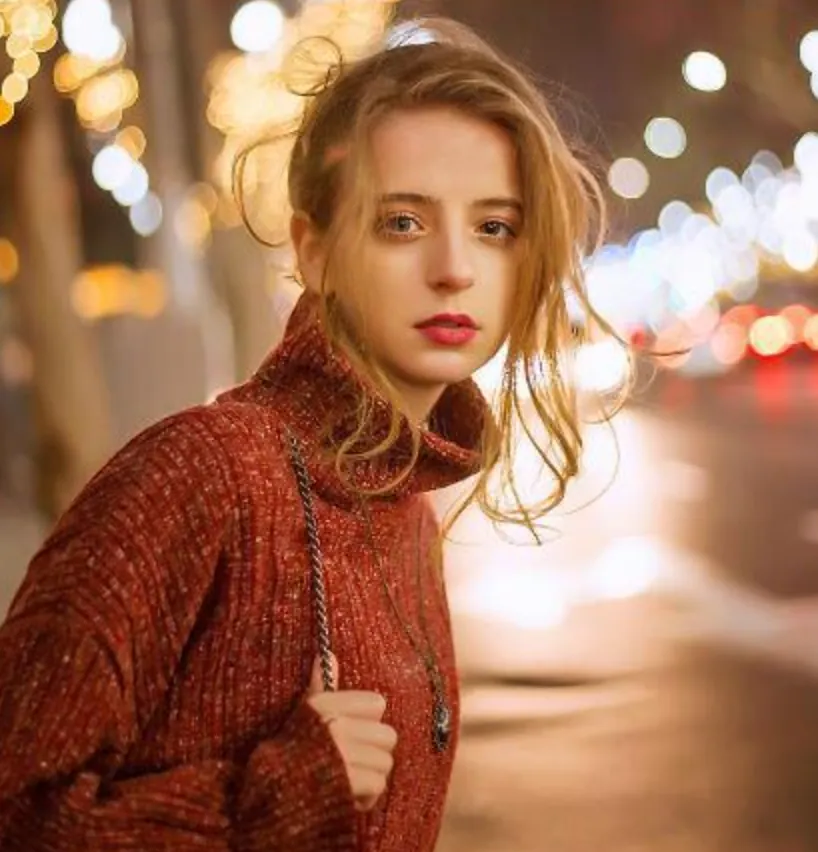
Upload a photo to make your own version.
Before and after
Good for
Couple and friend photos
Turn a group selfie into an anime still.
Travel memories
Redraw a trip photo as a scene from a film.
Fan of the genre
See yourself in the style of the anime you grew up with.
Photo tips
Clear photos with visible faces and a recognizable background give the best anime scenes. Up to a few people per photo works well.
AI Image Editor ↗How it works
Upload your photo. You can also scan the QR code to send one from your phone.
Pick a style and, where the template asks for it, add a short text.
Choose a model, check the credits on the button and generate. The result appears here and in My Images.
Frequently asked questions
Is this an anime filter or a redraw?
A redraw. The AI anime generator draws a new illustration of your photo with line art and cel shading, not an overlay.
Can I get a specific studio's style?
No. The styles describe general anime looks; the template doesn't copy any studio or existing characters.
Does it do black-and-white manga?
This page makes color anime. For black-and-white, use the Black and White Anime mode in the AI Image Editor.
How many credits does it cost?
It depends on the model you choose, and the exact price is shown on the Generate button before you start. Free accounts can use Nano Banana; Nano Banana Pro and GPT Image 2.5 need a paid account (any credit pack or plan).
Will it look exactly like the example?
No. Every image is generated fresh, so details differ each time. If the first result isn't right, generate again or try another model.
Where are my results saved?
On this page and in My Images in your ViNano account, where you can download them later.
What if generation fails?
The credits for a failed task are returned to your account. Check My Images and your credit history, and contact support if a task stays unresolved.