


AI Line Art Coloring: Colorize Your Line Art and Sketches
All tools (30)
AI line art coloring fills a black-and-white drawing with colour, shading and highlights. Upload your line art, an inked sketch or a colouring page, or pick one of the sample drawings, describe the palette and style you want, and download a coloured illustration.
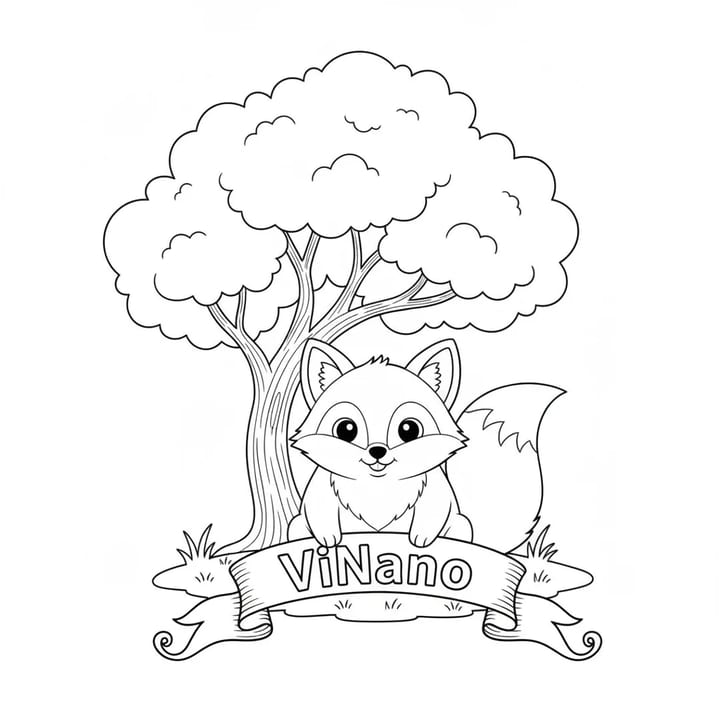
Each generation uses credits, and the generate button shows the cost before you start. The model redraws the picture while it colours, so lines can shift slightly. Only upload artwork you made or have the right to edit.
Line Art Coloring
Upload a photo, pick the options and generate. No prompt needed.
Drop, paste or click to choose a photo
Needs: 1–3 photos · PNG, JPEG or WEBP, up to 20 MB
Checking the price…
Content generated on this platform is produced by artificial intelligence models and does not represent the platform's position. [Disclaimer]. [Privacy Policy].
AI Line Art Coloring Examples
Coloured results in three finishes: a watercolor wash, flat comic colour and a children's colouring page.
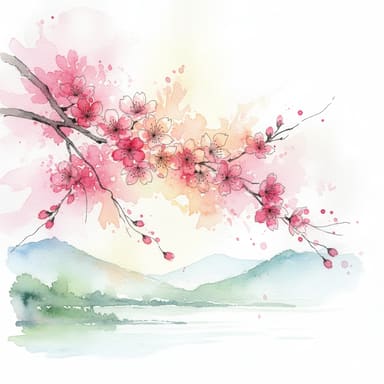
Watercolor blossom branch
A cherry-blossom branch over misty hills, coloured with loose pink and green washes.
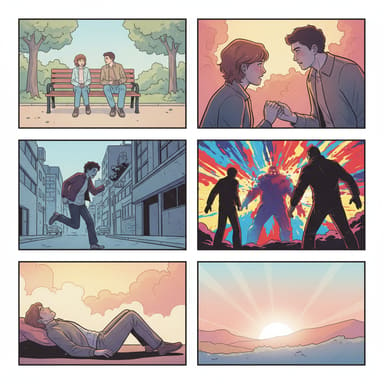
Comic panels in flat colour
Six inked comic panels filled with flat colours and simple shading, ready for lettering.
Coloured kids' page
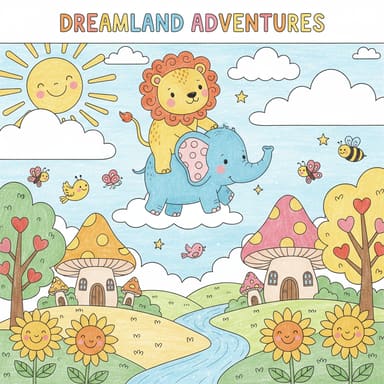
A colouring-book scene with a lion, an elephant and mushroom houses in bright, crayon-like colours.
Line Art Coloring: real results and prompts
We made these on 18 November 2026 with our own test account, using Nano Banana at 1K, the model this page starts with. The sample uploads were made with text-to-image first, and the people in them are AI-generated, not real. Settings and prompts are shown exactly as we used them, and where a result missed part of the prompt or has spelling mistakes, the caption says so. Click “Use this prompt” to put a prompt into the generator above.
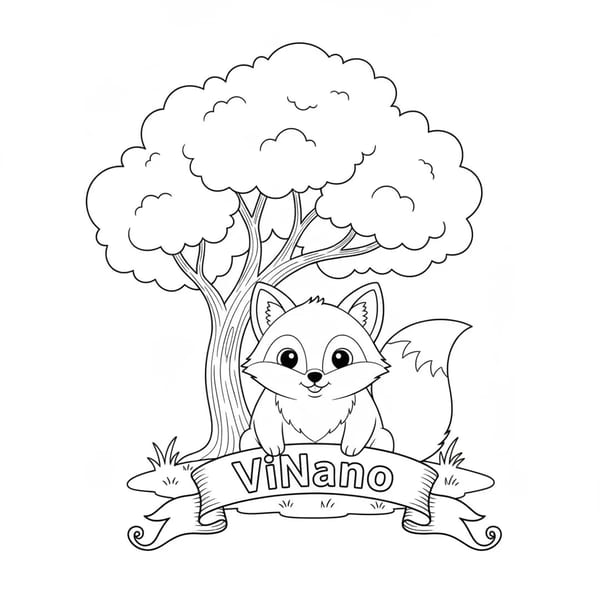
Sample upload
Prompt used to make this sample photo
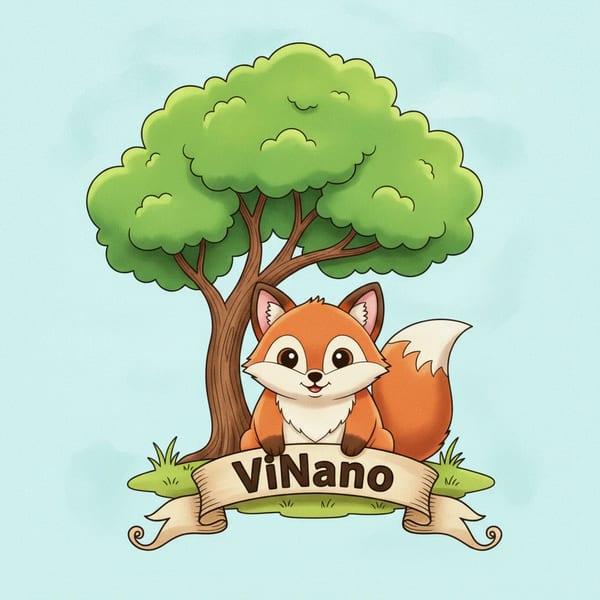
Clean black-and-white line art of a cute fox sitting under a tree, holding a ribbon banner that says "ViNano", coloring-book style, no shading, white background.
Result
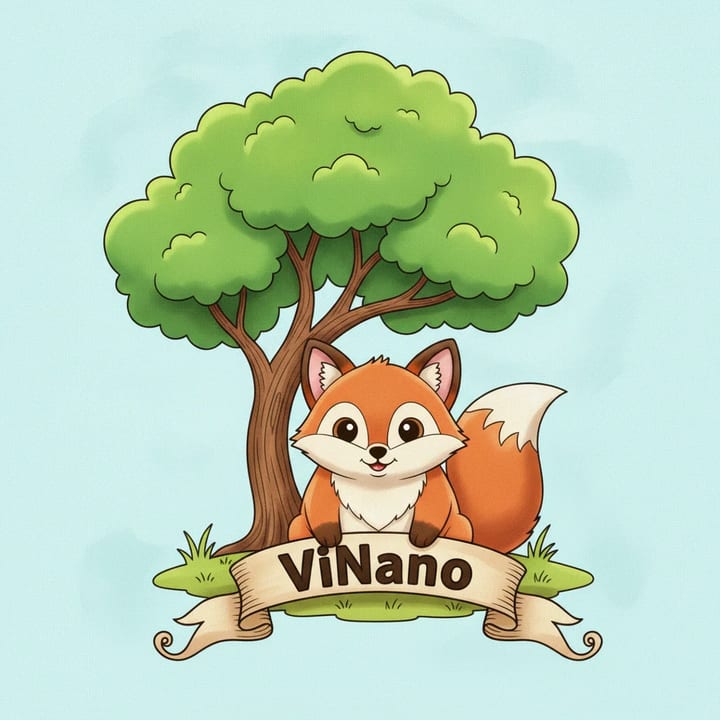
Bright, flat colors that stay inside the original lines, including the ViNano banner.
Prompt
No extra prompt (the mode's default instructions)
Result
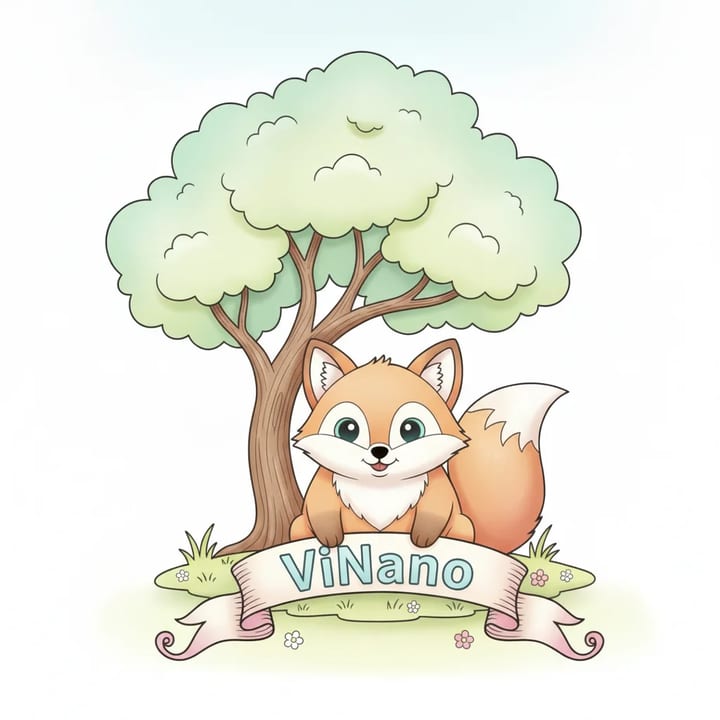
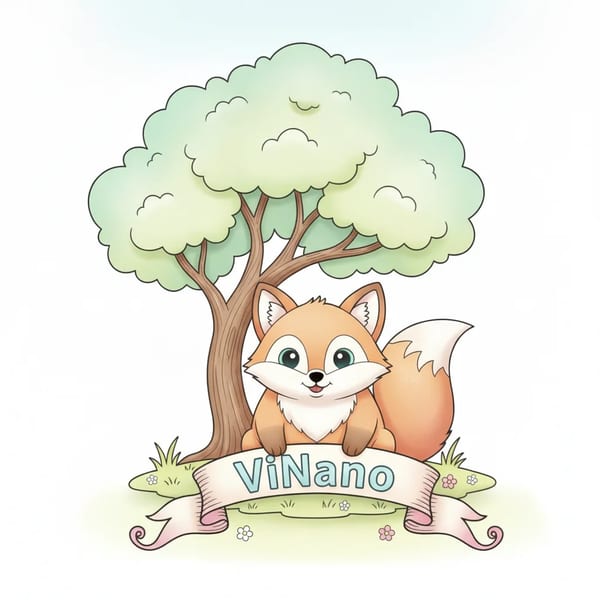
With soft pastel spring colors in the prompt, the palette turns lighter and the banner lettering turns pale blue.
Prompt
Use soft pastel spring colors
How to Use AI Line Art Coloring
- 1
Upload your line art (the tool accepts up to three images), or choose one of the 20 sample line drawings shown in the tool. Clean, closed lines on a white background colour most predictably.
- 2
Describe the colours and style in the prompt box, for example “soft pastel watercolor” or “bold anime cel shading, blue hair, red scarf”. Leave it empty for a bright, harmonious default palette.
- 3
Check the credit cost on the button and generate.
- 4
Compare the result with your drawing, rerun with more specific colour notes if needed, and download.
Tips
- •Scan or photograph the drawing straight on and raise the contrast, so that pencil smudges do not turn into shadows.
- •Name colours per object (“green coat, brown boots”) when they matter; otherwise the model chooses.
- •Keep your original file: the coloured version is a new image, not a layer over your lines.
What You Can Colorize: Line Art, Sketches and Coloring Pages
The tool works on any drawing made of outlines: inked illustrations, manga pages, storyboards, tattoo designs, architectural or product sketches and printable colouring pages. Rough pencil sketches work too, but the model tidies the lines as it colours, so a loose sketch comes back cleaner than you drew it.
You can also upload a photo. The instruction asks the model to build clean line work first and then colour it, so a photo returns as a coloured line-art illustration of the same scene.
How to Control Colors and Shading in AI Line Art Coloring
Without a prompt, the model aims for a balanced colour palette with cel shading, highlights and soft gradients. To direct it, write the way you would brief a colourist: overall mood first (“muted autumn tones”), then fixed colours for key objects, then the finish (“flat colours, no gradients” or “soft watercolor texture”).
For characters that appear on several pages, repeat the same colour notes in every run, since the tool does not remember earlier results. If a colour lands in the wrong place, say where it belongs and rerun, or fix a small area with AI image inpainting.
Where AI Coloring Saves Time
Comic and webtoon artists use it for colour roughs before committing to a palette. Illustrators test several schemes for one drawing in minutes. Parents and teachers colour a page to show children a finished example, and tattoo artists preview a design in colour for a client.
Treat the output as a draft or a finished web image, not a layered file: there are no separate line and colour layers to edit. For changes that go beyond colour, describe them in the AI image editor.
Limits to Know Before You Colorize Line Art
Because the picture is regenerated, very fine hatching, tiny lettering and precise technical lines can be simplified or altered, and screentones may be read as grey fill. If line fidelity matters more than speed, keep the result as a colour guide and paint over your original lines yourself.
AI Line Art Coloring FAQ
Quick answers to keep your workflow moving.
How does AI line art coloring work?
You upload a drawing and optional colour notes. An image model redraws it with colour inside the lines, plus shading and highlights. Nano Banana is selected by default, and you can pick another model in the tool.
Can I choose the exact colors?
You can name them in the prompt box, per object if you like. The model usually follows clear, short colour instructions. Describe colours in words; an exact shade match is not guaranteed.
Does it keep my original lines?
It keeps the drawing recognisable, but the lines are redrawn, not preserved pixel for pixel. Check details such as faces and hands.
Can I color manga or comic pages?
Yes. Whole pages work, though small panels and text lose detail. Colouring one or two panels at a time gives cleaner results.
How much does AI line art coloring cost?
Each generation uses credits based on the model you pick, and the generate button shows the cost before you start. New accounts receive free sign-up credits; the pricing page lists credit packs and plans.
Are my drawings stored or shared?
Your upload is used to create the result you ask for and is not shown as an example on this page. Storage, retention and deletion are explained in our Privacy Policy, and the data retention notice with your results shows the current setting for your account.
Need another workflow?
Browse the complete gallery of ViNano AI generation modes to find the perfect fit for your project.