


AI Interior Design from a Photo of Your Room
All tools (30)
AI interior design restyles a room from a single photo. Upload a picture of the space, choose one of eight design styles, from Minimalist and Scandinavian to Industrial and Rustic, add your own requirements, and download a visual of the same room with new colours, furniture, materials and lighting.
Results are design visuals for inspiration, not measured plans: dimensions, wiring, plumbing and structural walls are not checked. Each generation uses credits, and the generate button shows the cost before you start.
Interior Designer
Pick a style and see your room redesigned
Drop, paste or click to choose a photo
Needs: 1 room photo · PNG, JPEG or WEBP, up to 20 MB
Checking the price…
Content generated on this platform is produced by artificial intelligence models and does not represent the platform's position. [Disclaimer]. [Privacy Policy].
AI Interior Design Examples
Three rooms in three different moods.
Industrial café
Exposed brick, black steel beams, leather booths and filament bulbs in a coffee-shop interior.
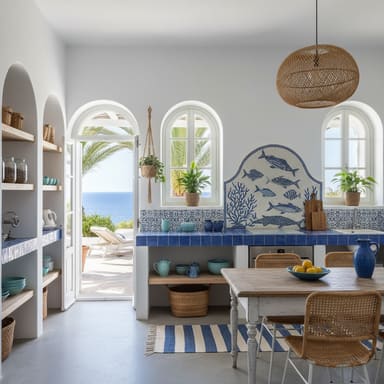
Coastal kitchen
Whitewashed arches, blue patterned tiles, a rattan pendant and a sea view through open doors.
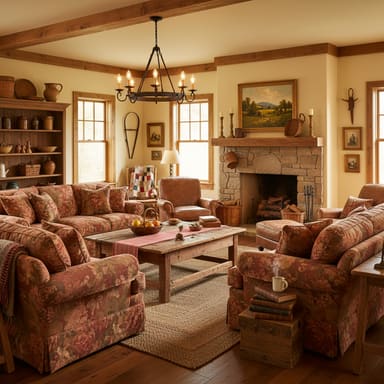
Rustic living room
A stone fireplace, timber beams, floral armchairs and warm lamplight in a farmhouse living room.
Interior Designer: real results and prompts
We made these on 18 November 2026 with our own test account, using Nano Banana at 1K, the model this page starts with. The sample uploads were made with text-to-image first, and the people in them are AI-generated, not real. Settings and prompts are shown exactly as we used them, and where a result missed part of the prompt or has spelling mistakes, the caption says so. Click “Use this prompt” to put a prompt into the generator above.
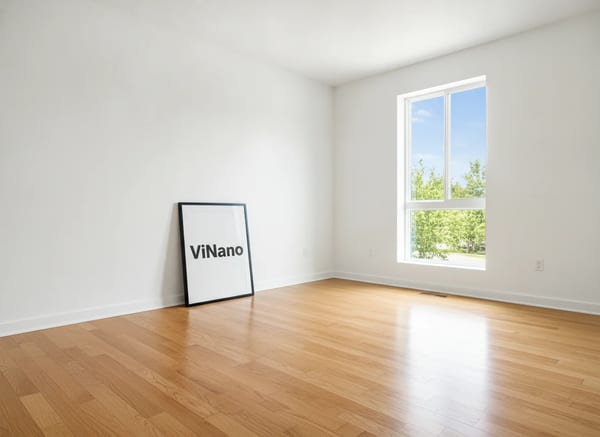
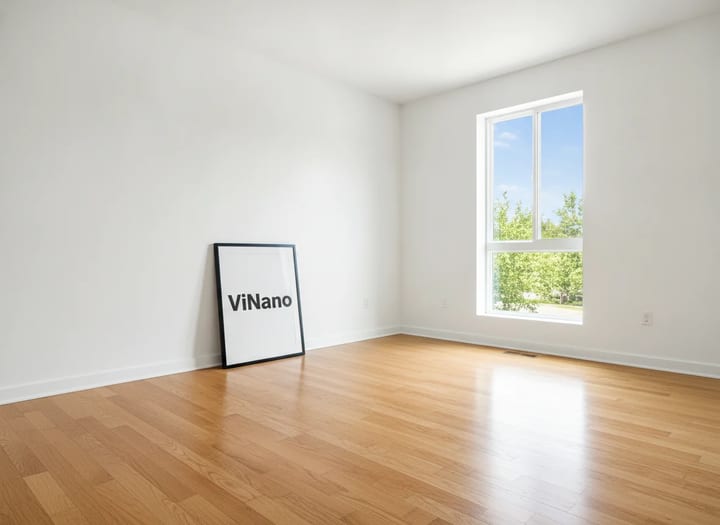
Sample upload
Prompt used to make this sample photo
A realistic photo of an empty, freshly painted living room with white walls, a wooden floor and a large window, a single framed print that reads "ViNano" leaning against the wall.
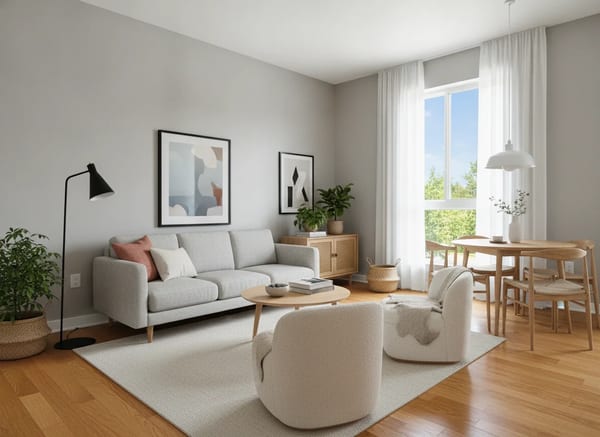
Result
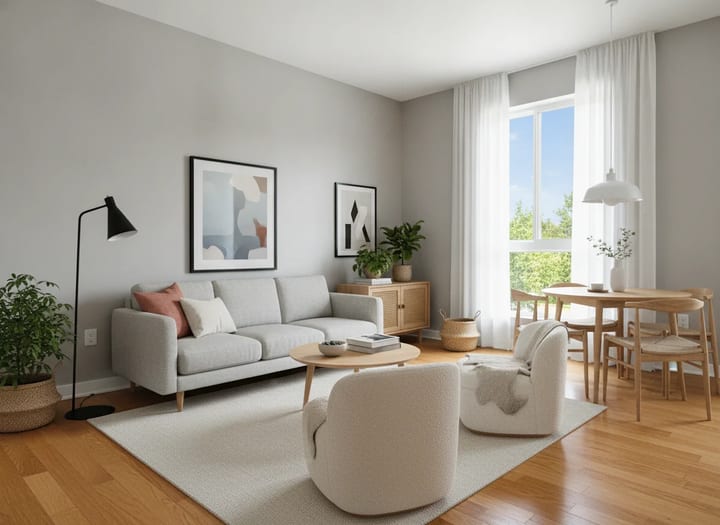
Light wood, a pale sofa, soft textiles and plants. The window and the floor are kept; the ViNano print is swapped for abstract art.
Setting: Design Style: Scandinavian
Prompt
No extra prompt (the mode's default instructions)
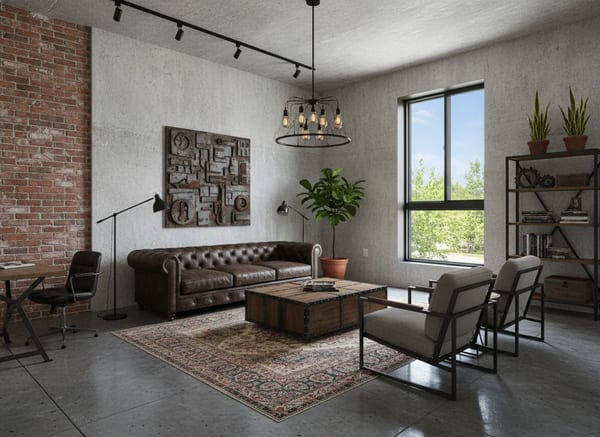
Result
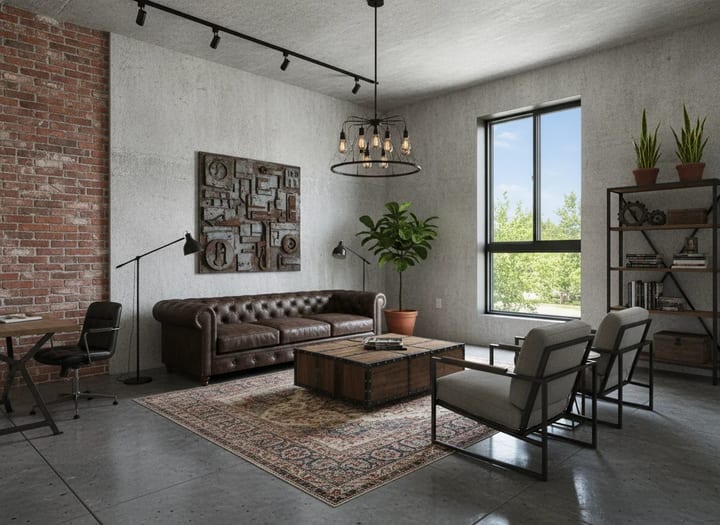
The same room as a loft: a brick wall, concrete floor, leather sofa and track lights. The window stays in place.
Setting: Design Style: Industrial
Prompt
No extra prompt (the mode's default instructions)
How to Use AI Interior Design
- 1
Upload one photo of the room, taken from a corner or a doorway so that the floor, the walls and the windows are visible.
- 2
Choose a “Design Style”: Dopamine, Minimalist, Modern, Scandinavian, Industrial, Bohemian, Luxury or Rustic. Dopamine is selected by default.
- 3
Optionally add your own requirements in the prompt box, for example “keep the sofa position, oak floor, add a reading corner”. Leave it empty and the chosen style drives the whole redesign.
- 4
Check the credit cost on the button, generate, compare the result with your photo, and download.
Tips
- •Daylight photos show true colours; tidy up first, because clutter gets redesigned too.
- •Say what must stay: “keep the windows, the doors and the ceiling height unchanged”.
- •Generate two or three styles for the same photo before you discuss options with family or a client.
Eight AI Interior Design Styles
Minimalist strips a room back to clean lines, hidden storage and a restrained palette. Modern adds sleek furniture and contrast. Scandinavian brings pale wood, soft textiles and light. Industrial exposes brick, metal and concrete. Bohemian layers pattern, plants and collected objects. Luxury turns to marble, velvet and statement lighting, and Rustic to stone, reclaimed timber and warm earth tones.
Dopamine, the default, is the boldest: saturated pinks, blues and yellows, playful shapes and maximalist decoration meant to lift the mood.

What an AI Interior Design Covers
The brief asks the image model to apply the chosen style to the whole space: colour palette, furniture style and placement, materials and textures, lighting, and finishing touches such as art, rugs and plants. It also asks for sensible traffic flow and visual balance.
Nano Banana is selected by default, and you can pick another model in the tool. Because the image is regenerated, windows, doors and proportions usually stay in place but are not guaranteed to; mention fixed elements in your prompt and compare the result with your photo.
Who Uses AI Interior Design
Homeowners and renters test a direction before buying paint or furniture. Interior designers produce quick mood visuals for a first client meeting. Property agents and hosts show the potential of an empty or dated room, and café or shop owners explore a concept for a fit-out.
Furnishing an empty room works the same way: upload the bare space and describe how it will be used. If you want to change one item and keep the rest, mark it in AI image inpainting; for free-form changes, describe them in the AI image editor.
Limits: A Visual, Not a Plan
The tool does not measure your room, check building codes or price anything. The furniture in the picture is generated, so you cannot order the exact pieces shown, and sizes may not fit the real space. If an image is used in a property listing, label it as a virtual redesign, so that viewers are not misled about the actual condition of the room.
AI Interior Design FAQ
Quick answers to keep your workflow moving.
How does AI interior design work?
You upload a photo of a room and choose a style. An image model regenerates the room with new colours, furniture, materials and lighting in that style, aiming to keep the layout.
Which interior design styles can I choose?
Dopamine, Minimalist, Modern, Scandinavian, Industrial, Bohemian, Luxury and Rustic. The prompt box is for extra requirements, such as what to keep, materials you like or how the room is used.
Will it keep my room's layout and windows?
It usually does, and you can ask for it explicitly. It is not guaranteed, so check the result against your photo.
Can I furnish an empty room?
Yes. Upload the empty room and say how you want to use it, for example “home office for two with a storage wall”.
How much does AI interior design cost?
Each generation uses credits based on the model you pick, and the generate button shows the cost before you start. New accounts receive free sign-up credits; the pricing page lists credit packs and plans.
Are my photos stored or shared?
Your upload is used to create the result you ask for and is not shown as an example on this page. Storage, retention and deletion are explained in our Privacy Policy, and the data retention notice with your results shows the current setting for your account.
Need another workflow?
Browse the complete gallery of ViNano AI generation modes to find the perfect fit for your project.