
Outfit Switch Video Effect
A turn on the beat reveals a coordinated streetwear outfit: a roomy hoodie with sneakers and a plain chain. This template uses a preset outfit. For another look, edit the clothing in the AI Image Editor first and pair the photos in a before-and-after post.
Photos
Clear face, whole head in frame, no sunglasses. JPG, PNG or WebP.
Up to 10 MiB · 512–5999 pixels per side
Settings
Photo to video
Input photos
Generated video
Good for
Before-and-after post
Plain tee to streetwear in one beat.
Style refresh
Tease a new look before the haircut appointment.
Moodboard clip
A quick look for a fashion moodboard.
Photo tips
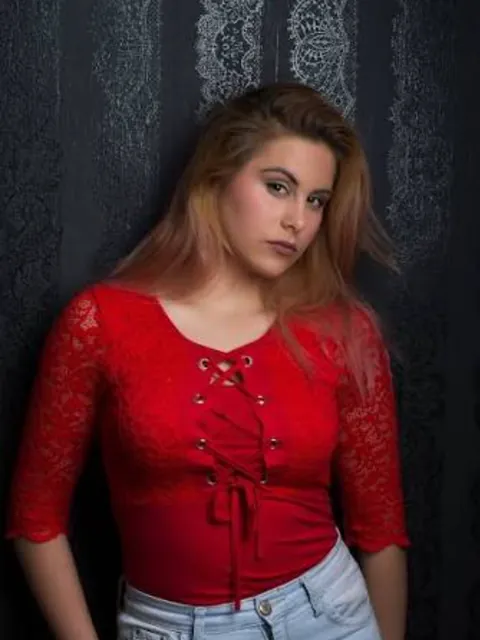
A head-to-thigh photo in simple clothes shows the change best. Stand with arms at your sides.
AI Image Editor ↗How it works
Upload one photo, or separate photos for two people.
Choose model, length (5 / 10 seconds) and shape.
Check the credits and generate.
Frequently asked questions
Can I choose the new outfit?
Not yet; the outfit is a fixed streetwear look. For a specific outfit, edit the photo in the AI Image Editor first.
Does it work with a close-up selfie?
It works, but you'll see less of the clothes. A looser crop is better.
Does the clip have sound?
Yes, sound is generated with the video.
Will it look exactly like the example?
No. Each video is generated fresh, so motion and details differ every time.
What if generation fails?
Check the task status and your credit history for the outcome. Contact support if a failed task remains unresolved.
Related templates
View all templates →Live Concert
Center stage, spotlights, a cheering crowd.
1 photo(s) · 5s
AI Hug
Two separate photos meet in one warm hug.
2 photo(s) · 5s
Hotel Lobby Rap
Two friends take turns rapping in a grand hotel lobby.
2 photo(s) · 12s