Photo to Pixel Art
Turn an image into pixel art that looks like it came from a retro game. Pick 8-bit for big chunky pixels, 16-bit for a classic console look or 32-bit for more detail, and the AI rebuilds your photo with crisp pixels and a limited palette.
Photos
Your photo
A clear, well-lit photo works best. JPG, PNG or WebP.
Up to 10 MiB · 512–5999 pixels per side
Pixel size
Settings
Example
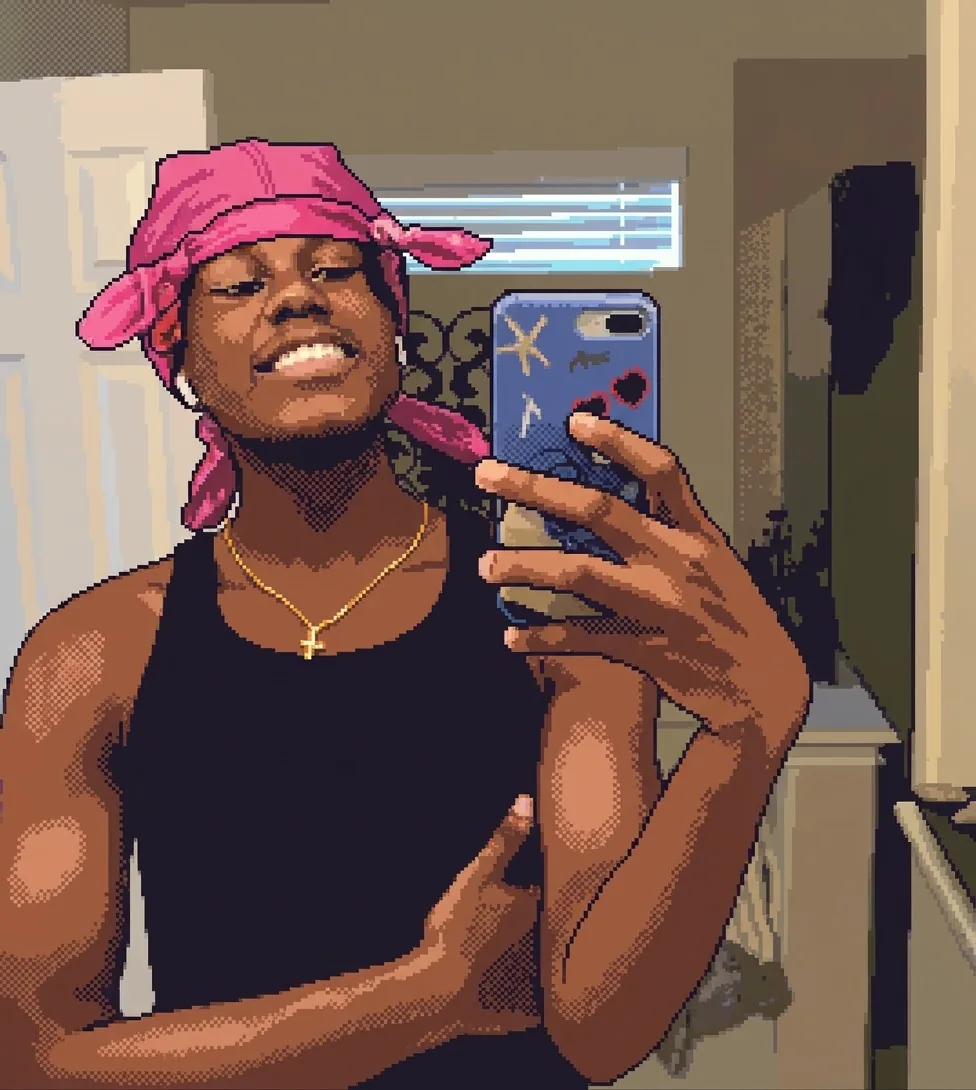 After
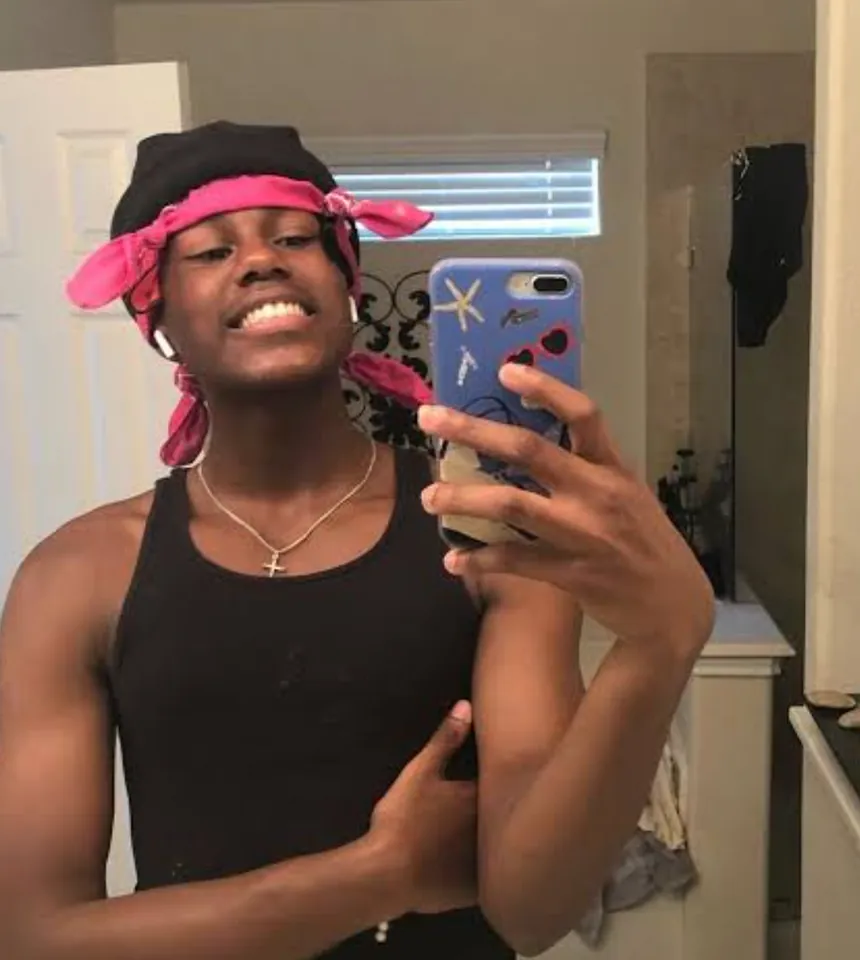
Upload a photo to make your own version.
Before and after
Good for
Game-style avatar
Turn a selfie into a character sprite for your profile.
Pet in pixels
Make your cat or dog a tiny 8-bit hero.
Pixel postcards
Turn a landmark photo into a retro game scene.
Photo tips
Simple scenes with one main subject and strong colors keep their shape best when reduced to pixels.
AI Image Editor ↗How it works
Upload your photo. You can also scan the QR code to send one from your phone.
Pick a style and, where the template asks for it, add a short text.
Choose a model, check the credits on the button and generate. The result appears here and in My Images.
Frequently asked questions
What's the difference between 8-bit, 16-bit and 32-bit?
8-bit has the biggest pixels and fewest colors, 16-bit looks like classic console games, and 32-bit keeps more detail while still looking pixelated.
Is the result a true pixel grid?
It's drawn to look like pixel art with hard edges and a limited palette. For a grid you can edit pixel by pixel, open it in a pixel editor and scale it down.
Can I use it in a game?
You can use your own results as art or reference. For sprite sheets, edit and slice the image in your game tool.
How many credits does it cost?
It depends on the model you choose, and the exact price is shown on the Generate button before you start. Free accounts can use Nano Banana; Nano Banana Pro and GPT Image 2.5 need a paid account (any credit pack or plan).
Will it look exactly like the example?
No. Every image is generated fresh, so details differ each time. If the first result isn't right, generate again or try another model.
Where are my results saved?
On this page and in My Images in your ViNano account, where you can download them later.
What if generation fails?
The credits for a failed task are returned to your account. Check My Images and your credit history, and contact support if a task stays unresolved.