MiniMax H3 ImageMake 4K images and multi-image edits with MiniMax H3 Image online
MiniMax H3 Image is an open-weight image model from MiniMax, released on November 11, 2026. It makes 4K images with realistic detail, follows long prompts closely and accepts up to 16 reference images. On ViNano you can run it in the browser at 2K or 4K with up to 12 reference images, in a Standard or a Highspeed version.
ViNano is an independent platform and is not affiliated with MiniMax. Model facts come from MiniMax's H3-Image announcement. Every sample on this page was made by us with MiniMax H3 Image.
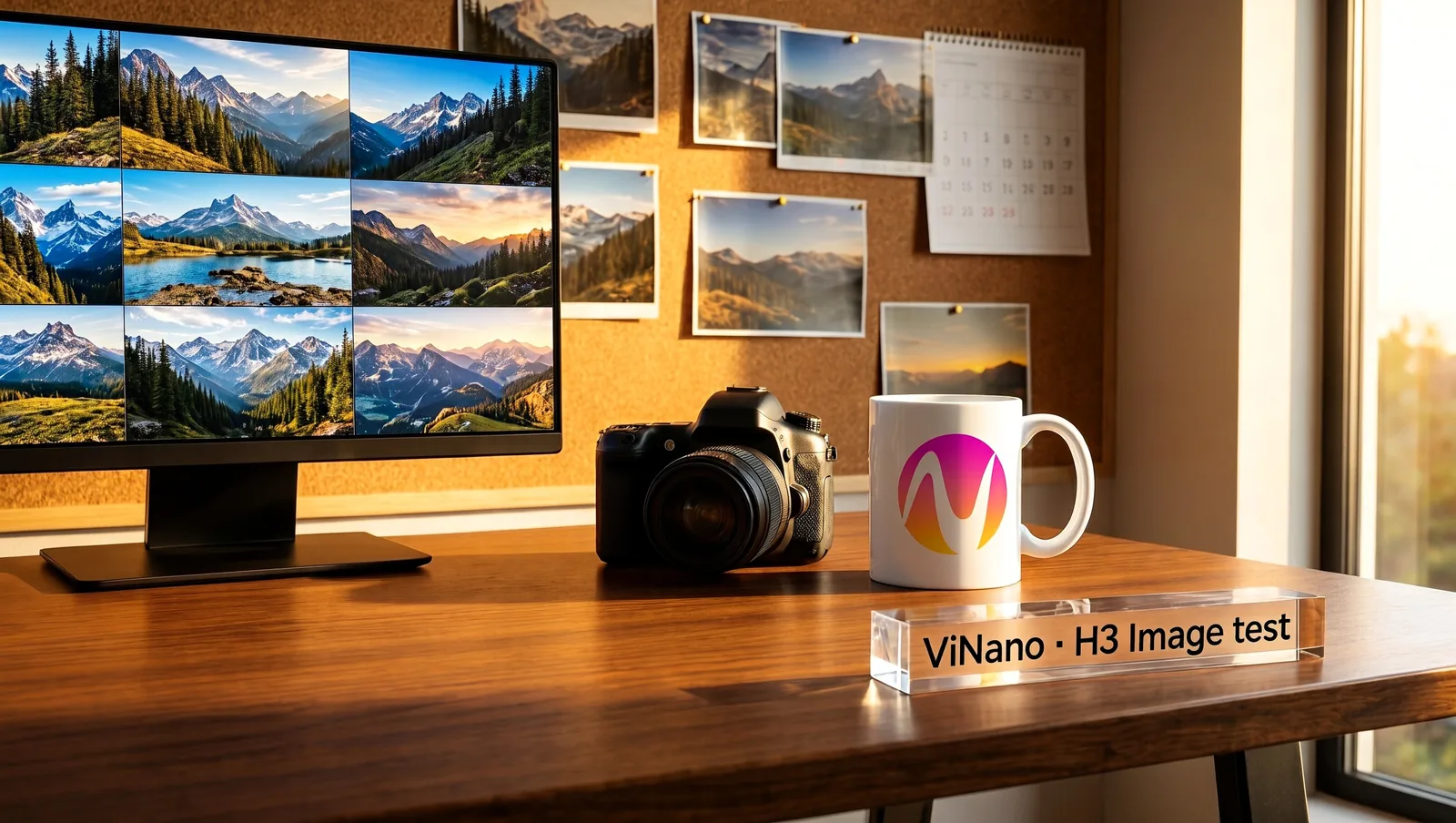
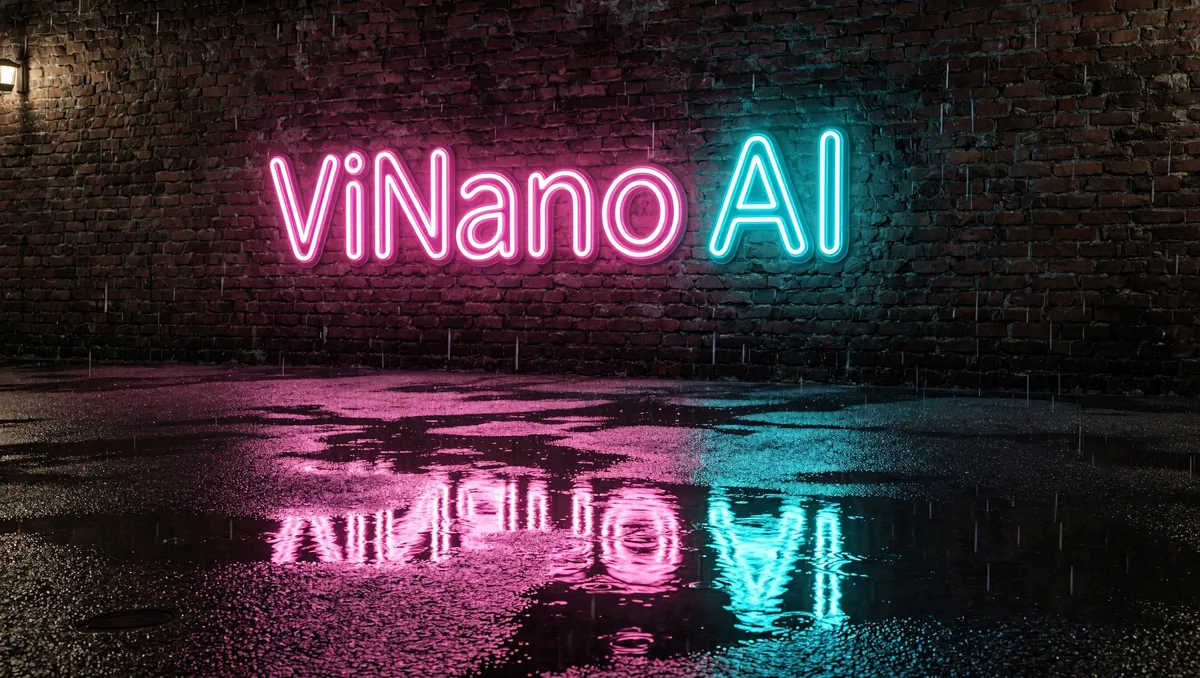
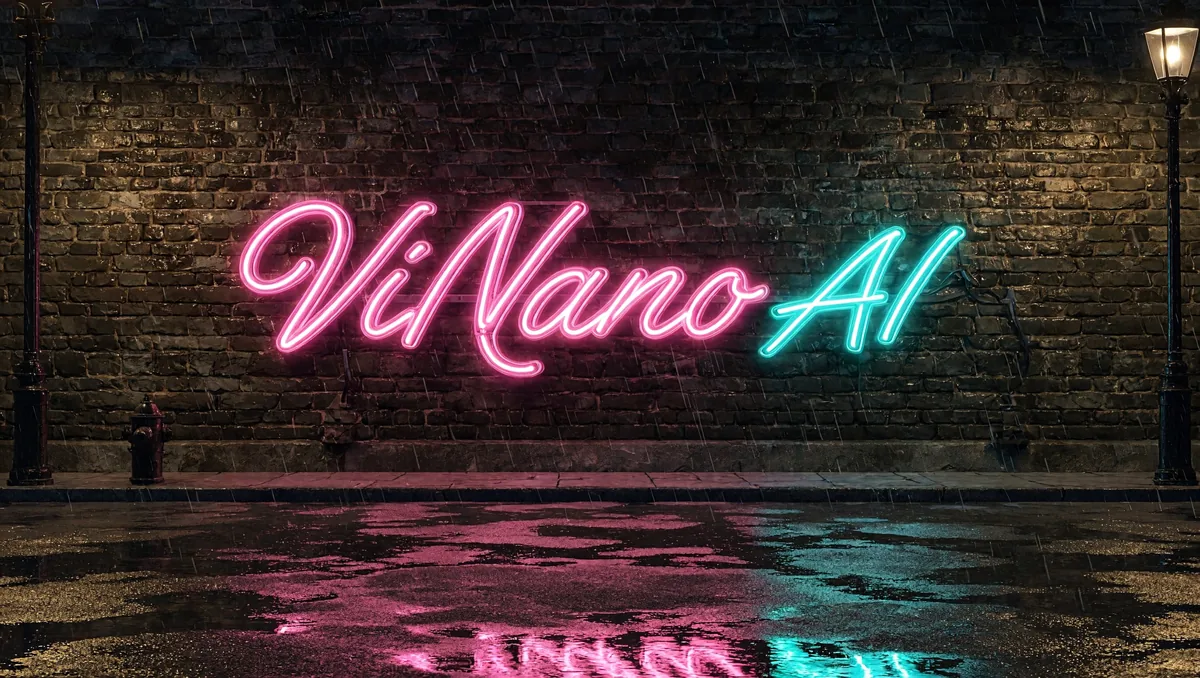
Made with MiniMax H3 Image at 2K, 16:9. The ViNano logo was added as a reference image.
Just describe it, and AI will paint it! Turn your wildest imagination into stunning visuals with simple words
Content generated on this platform is produced by artificial intelligence models and does not represent the platform's position. [Disclaimer].[Privacy Policy].
What MiniMax H3 Image does well
MiniMax built H3 Image around three goals: fast 4K output, realistic detail and following the prompt. The images below were made with H3 Image on ViNano; we added our logo as a reference image so you can see how it handles branding.
4K images with detail you can zoom into
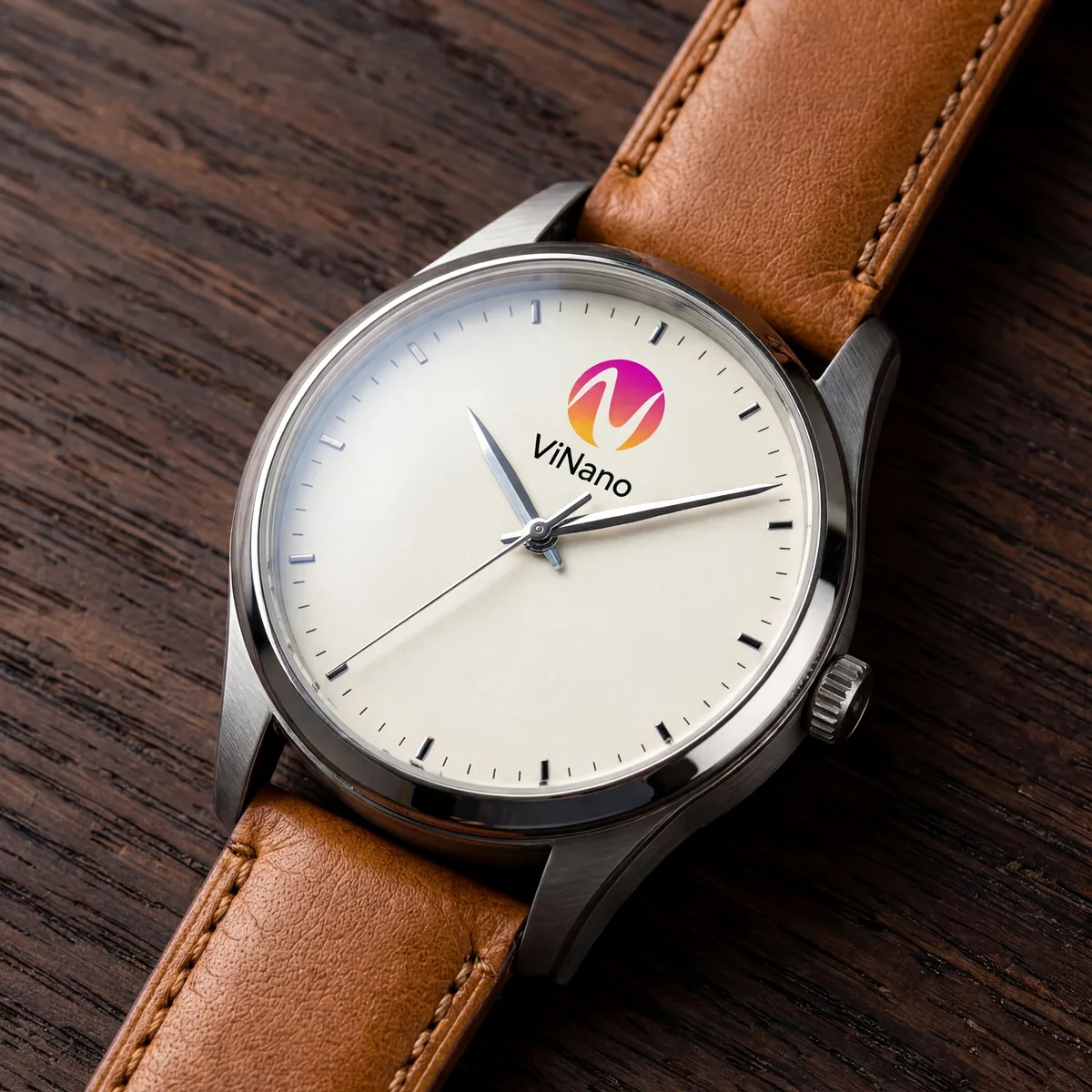
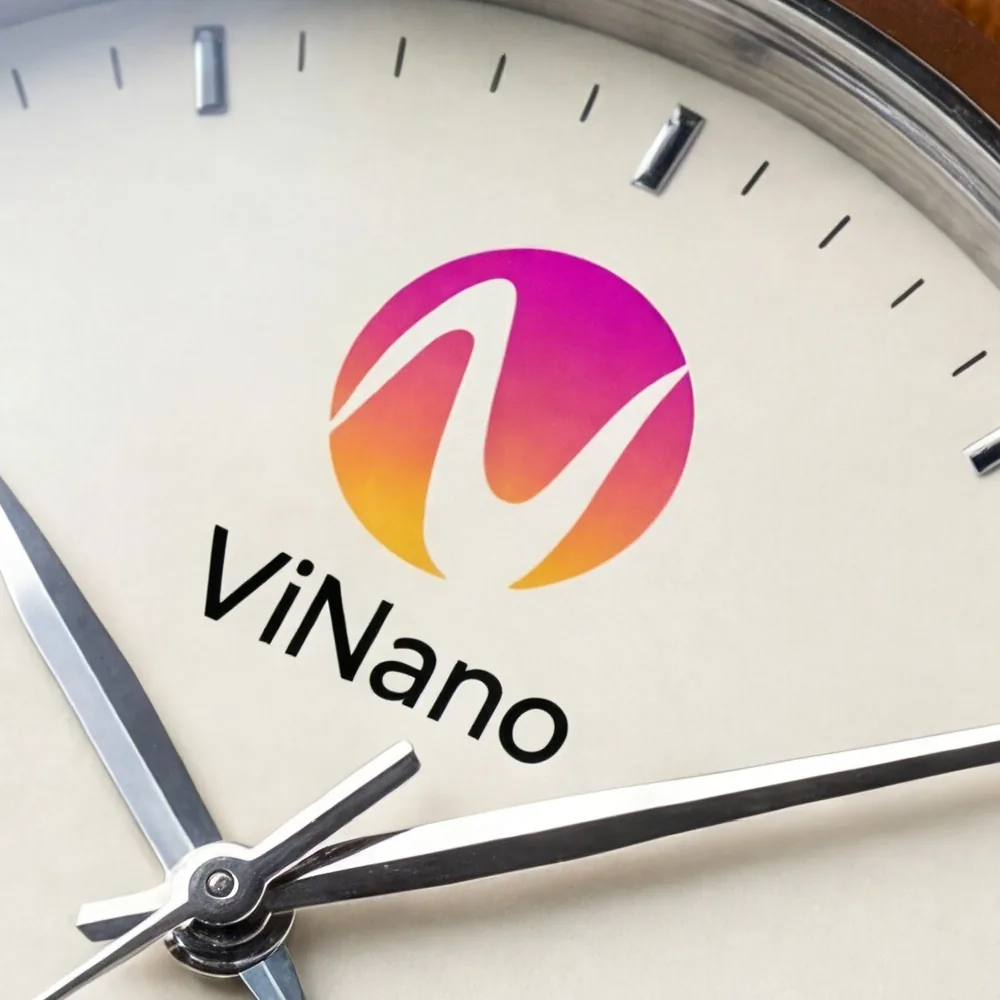
A square 4K image is 4096 × 4096 pixels, about 16 megapixels. That leaves room to crop a product shot for a banner or to print it large. The right-hand image is a 100% crop of the watch on the left: the logo, the printed word and the steel hands stay sharp.
4K, 1:1, shown scaled downThe same image at 100%, no upscaling
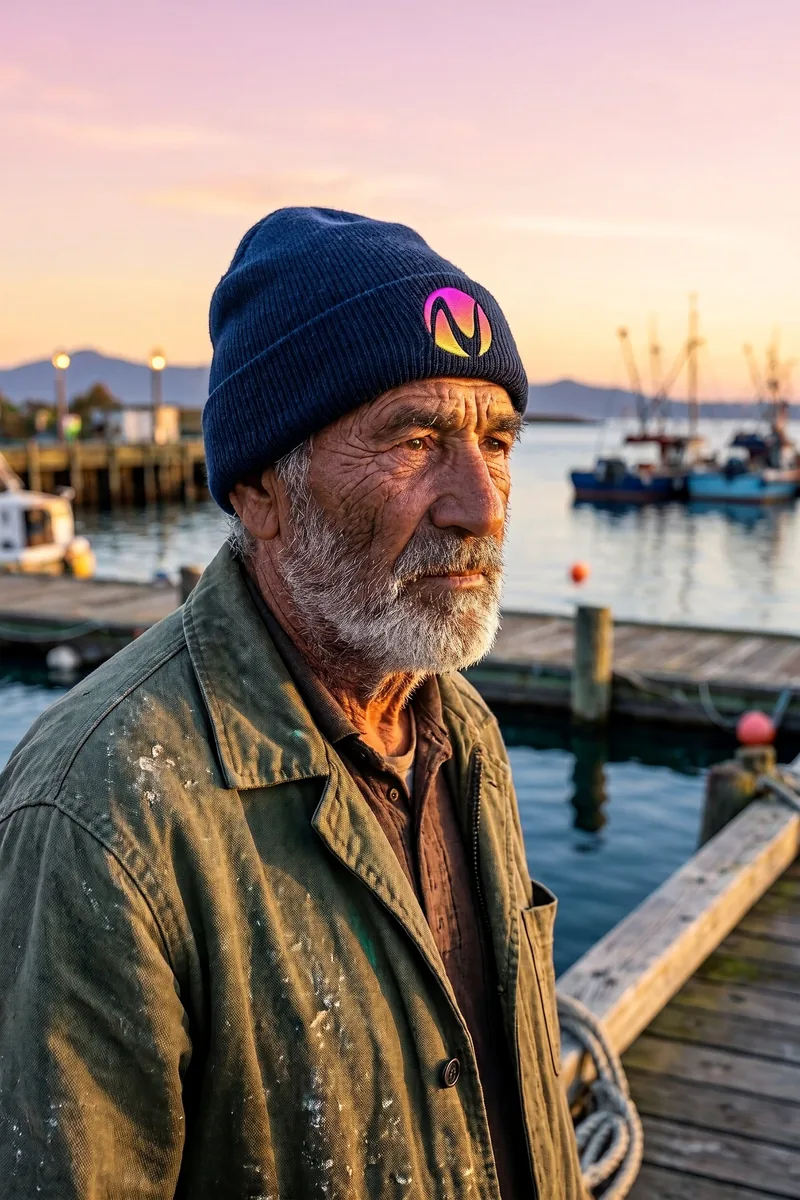
2K, 2:3, with the ViNano logo as a reference image
Realistic photos without the plastic look
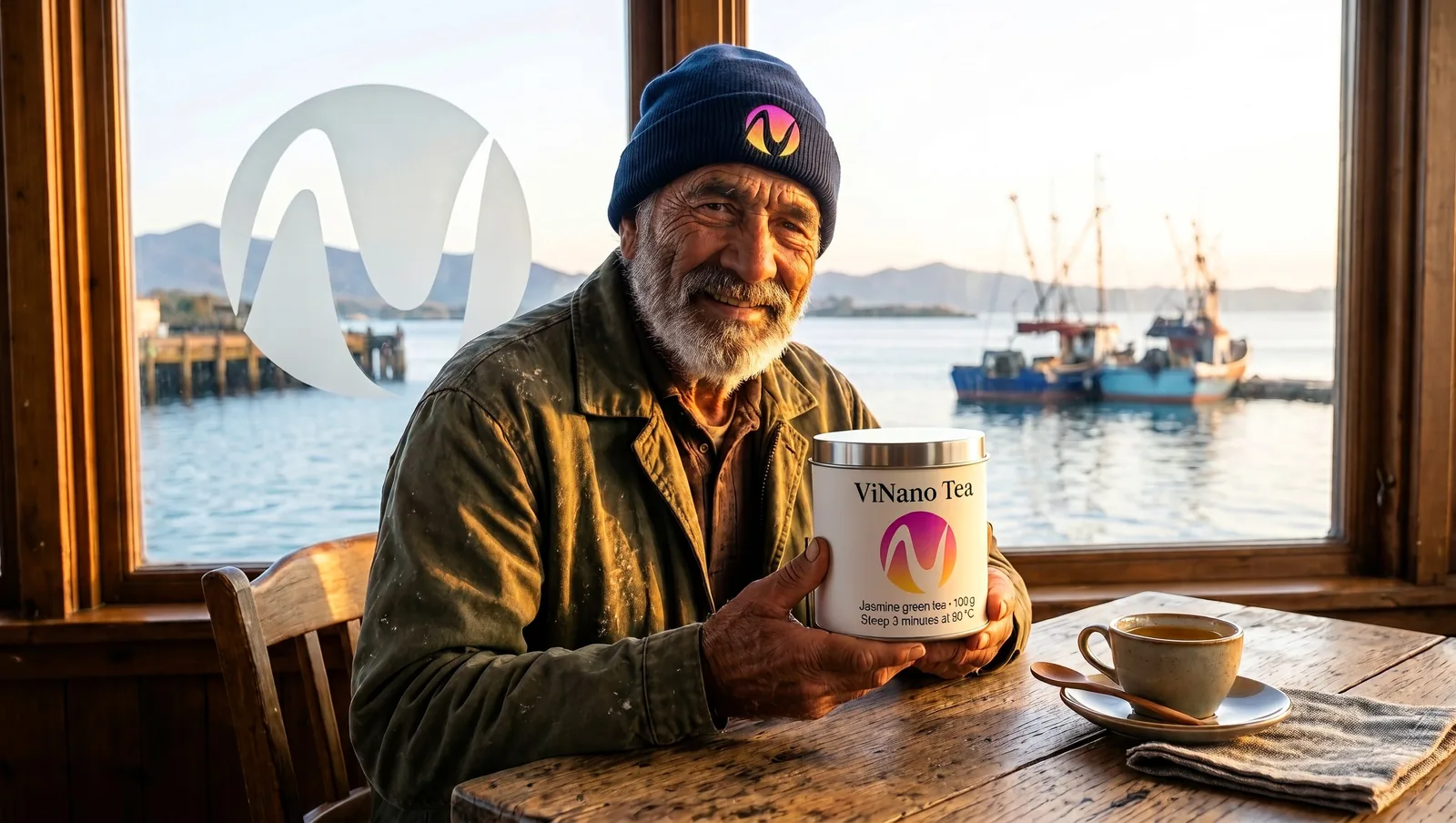
MiniMax tuned H3 Image to avoid the overly smooth skin and surfaces common in AI images. Wrinkles, stubble, knitted wool and the dawn light on the water look like a real photograph, and a logo stitched on a beanie follows the knit.
Readable titles and label text
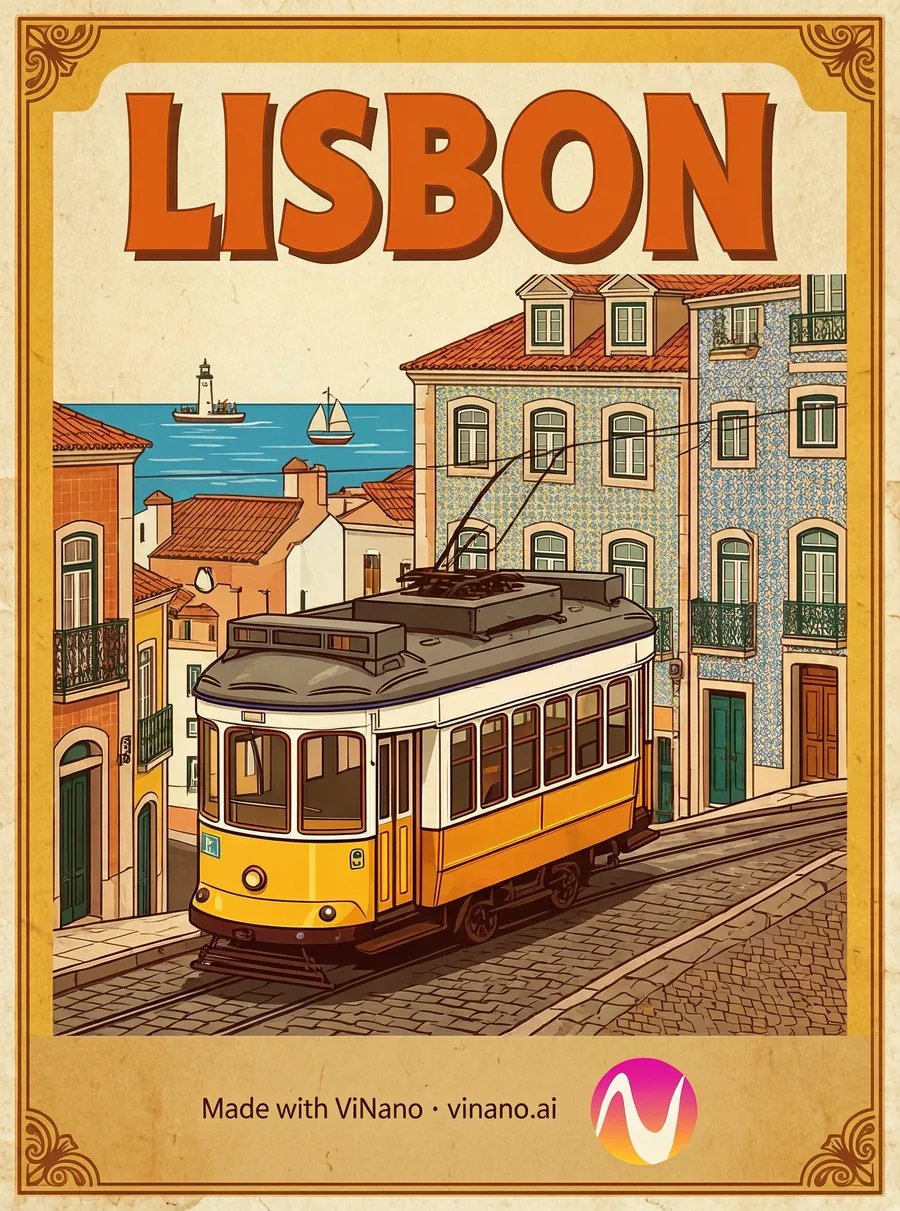
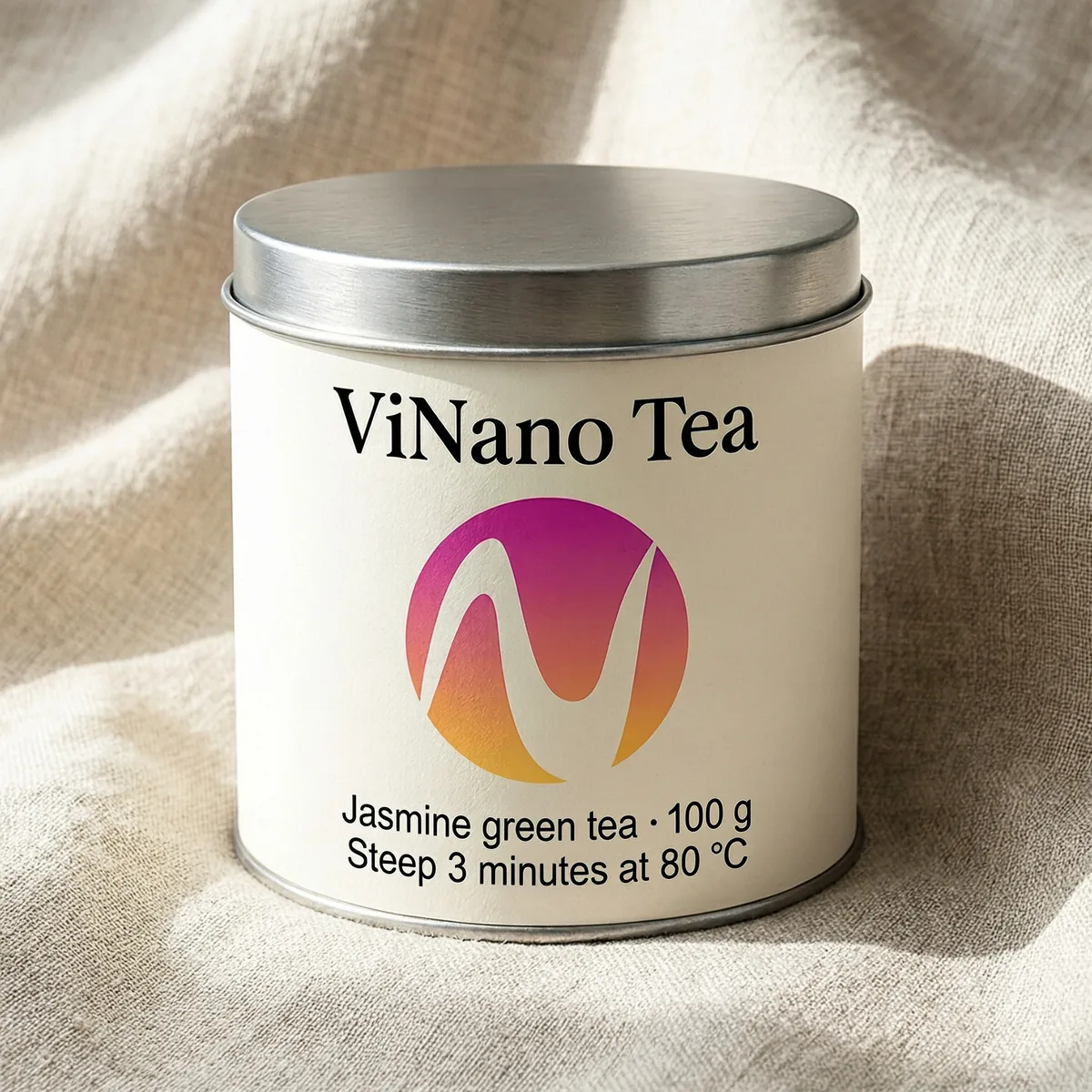
Large titles and short lines of small text came out spelled correctly in every sample on this page, including units such as 100 g and 80 °C. Still proofread long passages before you print.
Poster title and footer line, all rendered by the modelPackaging mockup with two lines of small label text
Combine up to 12 reference images
The model accepts up to 16 images in one request, and the ViNano editor lets you add up to 12. Refer to them in the order you uploaded them. We gave it three images, our logo, the fisherman portrait and the tea tin, and asked for a new scene. His face, beard and beanie carried over, and so did the label on the tin.
Image 1 · logo
Image 2 · person
Image 3 · product
Result at 2K, 16:9Prompt: the fisherman from image 2 sits at a café table by a harbor window, holding the tea tin from image 3. The logo from image 1 is painted on the window. Keep his face, beard and beanie, and the tin label, the same.
Standard or Highspeed
Both versions give the same quality, sizes and reference-image limit. MiniMax rates Standard at 1.5–2× and Highspeed at 3–4× the speed of mainstream alternatives. On ViNano the gap is smaller, because uploading, queueing and downloading take part of the wait: in our test the same prompt finished in about 20 seconds on both.
H3 Image · 2K · about 20 secondsH3 Image Highspeed · 2K · about 20 seconds
Start with the standard H3 Image. The quality is the same and it costs less than a third of Highspeed.
MiniMax H3 Image prompts to start with
Each prompt below is close to one we used for the samples above. Open one in the generator, then change the subject, the words on the image or the light.
Product macro with your logo
Add your logo as a reference image first.
Macro product photo of a mechanical wristwatch lying on dark walnut wood. The white dial is printed with the logo from the reference image and the brand name under 12 o'clock. Brushed steel case, reflections in the sapphire crystal, visible stitching on a tan leather strap, extremely fine texture detail, soft studio light.
Realistic outdoor portrait of an elderly fisherman with a weathered face and a grey beard on a harbor at dawn, wearing a navy knitted beanie. Natural skin texture, soft side light, fishing boats in the background, 85mm lens, shallow depth of field.
A vintage travel poster titled "LISBON" in large bold letters: a yellow tram climbing a steep street lined with tiled houses, the sea in the distance. Flat illustration style, warm colors, crisp typography, a thin decorative border.
Studio product photo of a round tea tin on a light linen surface. The label reads "Morning Tea" in a classic serif, with two small lines below: "Jasmine green tea · 100 g" and "Steep 3 minutes at 80 °C". Soft daylight, realistic metal and paper textures, sharp readable small text.
Upload a portrait, a product photo and your logo, in that order.
The person from image 1 sits at a small wooden café table by a window, smiling and holding the product from image 2 in both hands. The logo from image 3 is painted in white on the window behind them. Morning light, realistic photo. Keep the face, hair and clothes from image 1 and the product label from image 2 exactly the same.
A neon sign on a dark brick wall that reads "Open Late" in glowing pink and cyan tubes, rain falling, reflections on the wet pavement below, cinematic night photo.
The generator on this page opens with MiniMax H3 Image selected. In the AI image editor you can find it under MiniMax in the model list, marked New, next to H3 Image Highspeed.
02
Write a prompt or add images
Describe the picture in a sentence or two. To edit or combine, upload up to 12 reference images and refer to them by their order, such as image 1 and image 2.
03
Choose size and ratio
Pick 2K for most images or 4K when you need to crop or print large, then a ratio such as 1:1, 4:3, 3:4, 16:9 or 9:16.
04
Generate and download
In our tests a 2K image took 15–40 seconds and a 4K image about 40–50 seconds. Download the full-size original from your history.
MiniMax H3 Image vs GPT Image 2.6, Nano Banana 2.1 and Seedream
Credits below are the price per image for paid accounts, read from the same settings the generator uses.
Model
Sizes and credits
Best for
MiniMax H3 Image
2K 20 · 4K 55
4K detail, realistic photos and edits that combine several images
MiniMax H3 Image Highspeed
2K 70 · 4K 200
The same results as H3 Image on MiniMax's faster tier
GPT Image 2.6 Flare
1K 30 · 2K 45 · 4K 60
Faster GPT Image 2.6 results, from 1K drafts up to 4K
Nano Banana 2.1
1K 30 · 2K 50 · 4K 70
Google's Nano Banana at 1K, 2K or 4K
Seedream 5.5
1K 20 · 2K 30
Small text, repeated edits and transparent PNGs
Seedream 4.5
2K 30 · 4K 30
The lowest credit cost for 4K
MiniMax says H3 Image has state-of-the-art prompt adherence among open-weight image models and makes a 4K image in under 10 seconds on its own servers, up to 5× faster than mainstream alternatives. These are the developer's claims, not an independent benchmark.
At 20 credits, H3 Image is the cheapest 2K option in this table. For 4K, Seedream 4.5 costs less than H3 Image's 55 credits, so try both on your own prompt.
MiniMax H3 Image price on ViNano
Both versions need a paid account, which means any credit pack or plan you have bought. You pay a flat price per image, and reference images don't add credits, whether you use one or twelve.
Before your first purchase you can still spend credits on ViNano Image, Nano Banana and GPT Image 2.6 in the AI image editor.
MiniMax H3 Image is an AI image model from MiniMax, the company behind Hailuo AI. It turns text into images, generates from reference images and edits existing images, with a focus on 4K output, realistic detail and prompt adherence. MiniMax also offers it in Hailuo AI and on its own API; ViNano runs it through API providers.
When was MiniMax H3 Image released?
MiniMax released H3 Image on November 11, 2026. ViNano added it on November 13, 2026.
Is MiniMax H3 Image free?
Not on ViNano. It needs a paid account (any credit pack or plan). H3 Image costs 20 credits at 2K and 55 credits at 4K; H3 Image Highspeed costs 70 and 200. Free accounts can use their credits on ViNano Image, Nano Banana and GPT Image 2.6.
What is the difference between MiniMax H3 Image and H3 Image Highspeed?
They share the same model quality, sizes and reference-image limit. Highspeed runs on MiniMax's faster tier, which MiniMax rates at 3–4× the speed of mainstream alternatives, against 1.5–2× for Standard. On ViNano the difference was small in our tests, so we suggest starting with the standard version.
What resolution and aspect ratios does MiniMax H3 Image support?
2K and 4K on ViNano. A square 4K image is 4096 × 4096 pixels, and a 16:9 2K image is 2720 × 1536. In the editor you can pick Auto, 1:1, 4:3, 3:4, 16:9 or 9:16; with Auto the model chooses a ratio that fits the prompt.
How many reference images does MiniMax H3 Image accept?
The model accepts up to 16 per request, and in the ViNano editor you can add up to 12. Refer to them in your prompt by their upload order, for example "the person from image 1" and "the product from image 2". On ViNano they don't change the price.
How fast is MiniMax H3 Image?
MiniMax says it makes a 4K image in under 10 seconds on its own servers. On ViNano, where upload and download are part of the wait, a 2K image took 15–40 seconds and a 4K image about 40–50 seconds in our tests.
Can MiniMax H3 Image make transparent PNGs or edit only a selected area?
No. H3 Image doesn't output transparent backgrounds and has no mask for selected areas. For a transparent PNG, use Seedream 5.5 or cut out the result with the background remover. To change one part of an image, describe the change and name what to keep the same.
Is MiniMax H3 Image open source?
MiniMax has published the model weights on Hugging Face under its own license, so developers can run and customize it themselves; read the license before you do, as it has regional limits. On ViNano you don't need your own hardware: the model runs in the cloud and you pay per image.