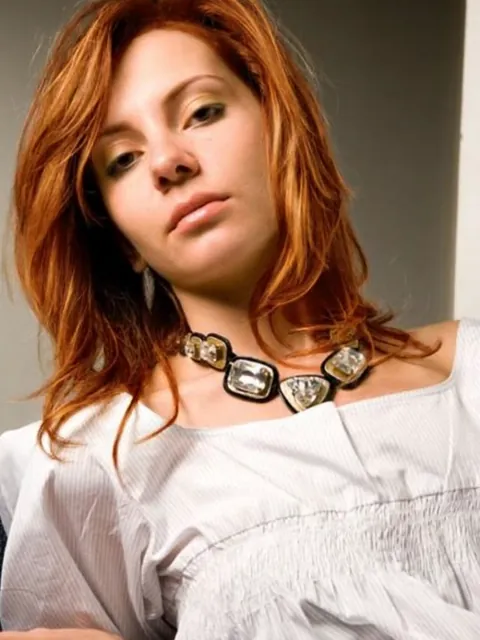
AI Aging Filter
See what you might look like in 10, 20 or 30 years, or at 80. The AI age filter adds realistic wrinkles, gray hair and changes in skin while keeping you recognizable, and it can also take about 10 years off.
Photos
Your photo
A clear, well-lit photo works best. JPG, PNG or WebP.
Up to 10 MiB · 512–5999 pixels per side
Age
Settings
Example
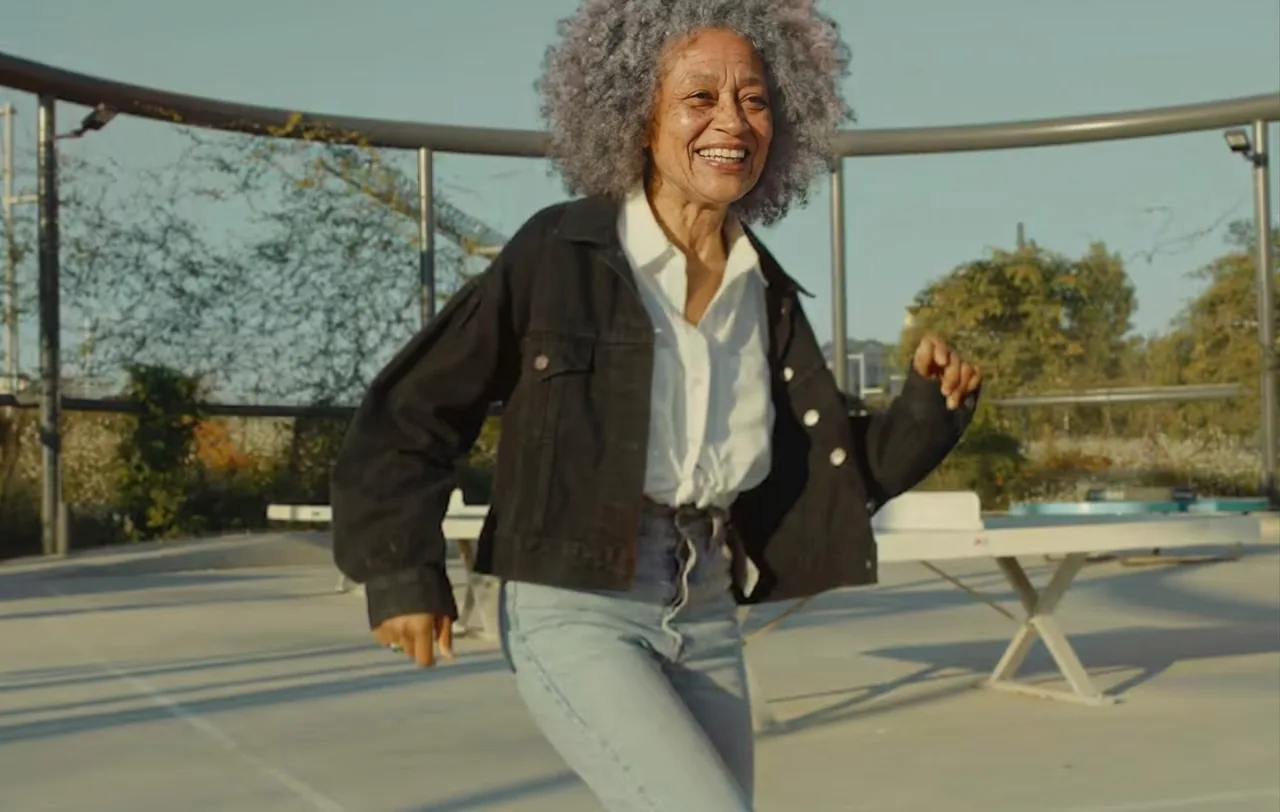 After
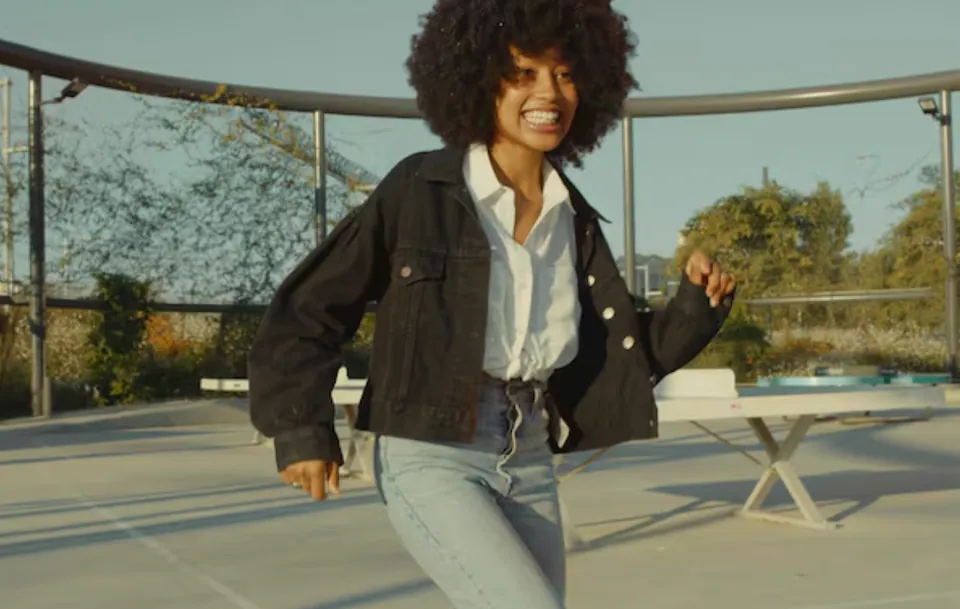
Upload a photo to make your own version.
Before and after
Good for
Couples
Age both of you and imagine growing old together.
Family resemblance
Compare your older self with a parent's photo.
Characters
Age a portrait for a story, film or game character.
Photo tips
Use a front-facing, evenly lit photo of one adult with the face fully visible and no heavy filters.
AI Image Editor ↗How it works
Upload your photo. You can also scan the QR code to send one from your phone.
Pick a style and, where the template asks for it, add a short text.
Choose a model, check the credits on the button and generate. The result appears here and in My Images.
Frequently asked questions
Is the age progression accurate?
It's an imaginative preview. The AI shows typical signs of aging; real aging depends on genes, health and lifestyle.
Can I see myself younger?
Yes, choose 10 years younger. The template keeps people adults, so it won't turn an adult into a child.
Can I use a photo of someone else?
Only with their permission. Don't use the aging filter to embarrass or deceive anyone.
How many credits does it cost?
It depends on the model you choose, and the exact price is shown on the Generate button before you start. Free accounts can use Nano Banana; Nano Banana Pro and GPT Image 2.5 need a paid account (any credit pack or plan).
Will it look exactly like the example?
No. Every image is generated fresh, so details differ each time. If the first result isn't right, generate again or try another model.
Where are my results saved?
On this page and in My Images in your ViNano account, where you can download them later.
What if generation fails?
The credits for a failed task are returned to your account. Check My Images and your credit history, and contact support if a task stays unresolved.