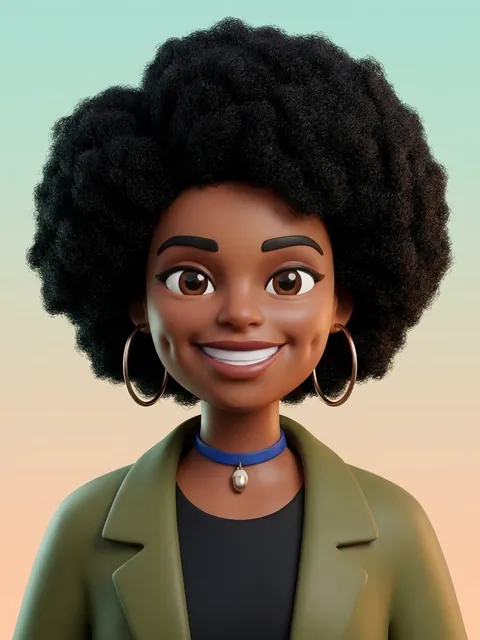
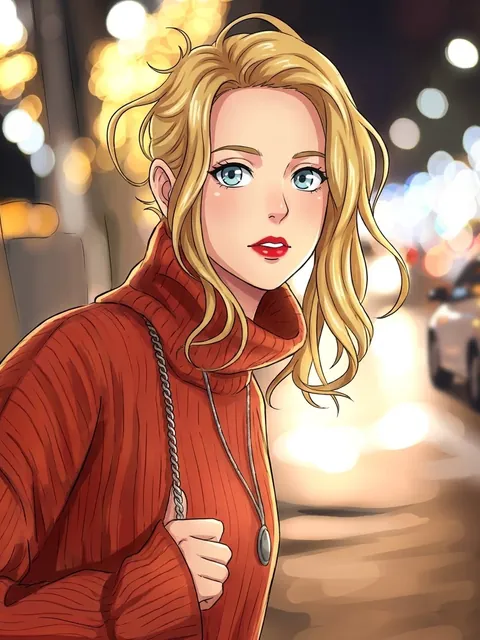
AI Caricature Maker
Turn a photo into a friendly caricature with a big head, a small body and your best features playfully exaggerated. Pick a 3D cartoon, a classic hand-drawn style or watercolor, and add a job or a hobby to get the "me and my job" caricature trend with props to match.
Photos
Your photo
A clear, well-lit photo works best. JPG, PNG or WebP.
Up to 10 MiB · 512–5999 pixels per side
Caricature style
Settings
Example
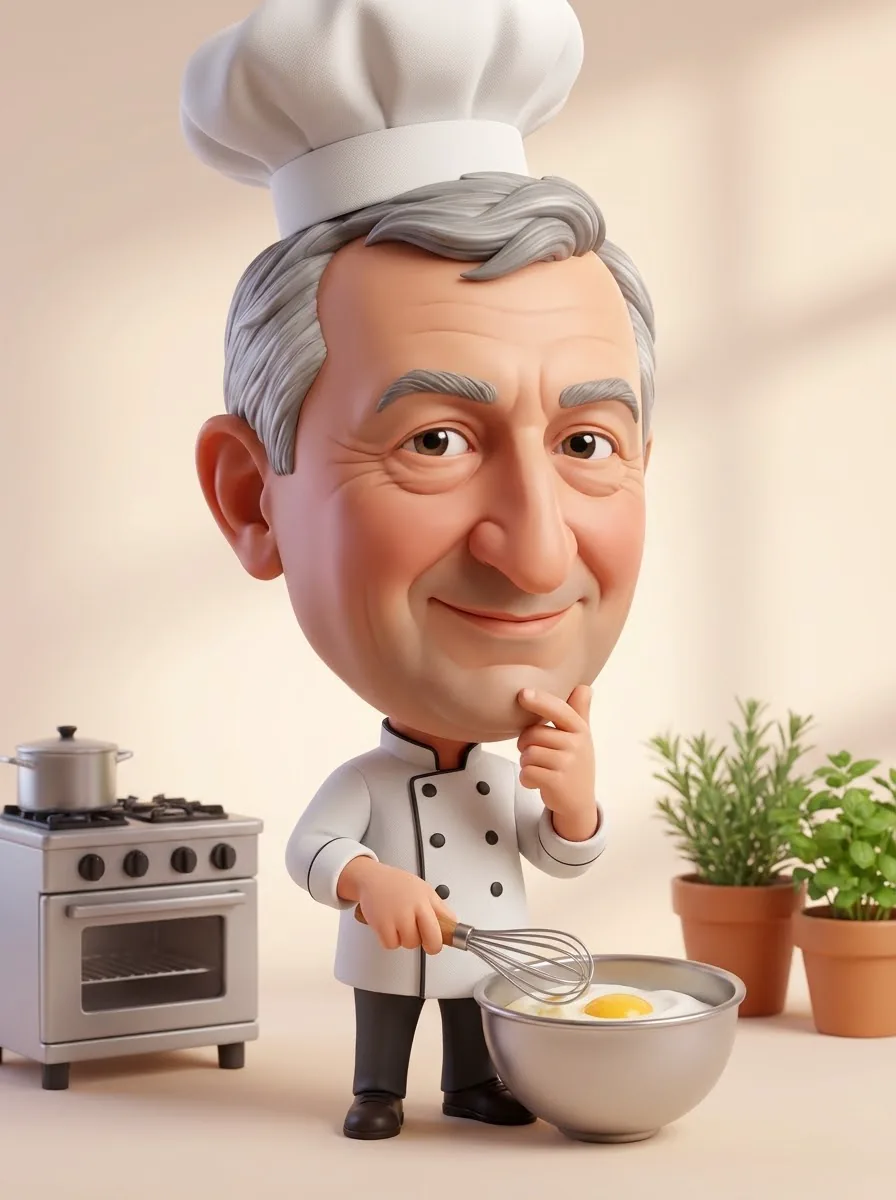 After
Upload a photo to make your own version.
Before and after
Good for
Farewell card
A caricature of a colleague in their job for the leaving card.
Me and my job
Join the trend with a caricature of you at work.
Wedding guest book
A cartoon of the couple for the welcome sign.
Photo tips
A front-facing photo with the whole face visible and a natural expression gives the most recognizable caricature.
AI Image Editor ↗How it works
Upload your photo. You can also scan the QR code to send one from your phone.
Pick a style and, where the template asks for it, add a short text.
Choose a model, check the credits on the button and generate. The result appears here and in My Images.
Frequently asked questions
Will the caricature be mean?
No. The template keeps it friendly: features are exaggerated for fun, and it never mocks weight, skin or appearance.
How do I get the ChatGPT caricature trend look?
Choose 3D cartoon and type your job and hobbies, such as "a teacher who loves coffee and hiking". The AI caricature generator adds clothes and props that fit.
Can I make a caricature of a group?
This template works with one person per photo. Make one for each person and combine them in the AI Image Editor.
How many credits does it cost?
It depends on the model you choose, and the exact price is shown on the Generate button before you start. Free accounts can use Nano Banana; Nano Banana Pro and GPT Image 2.5 need a paid account (any credit pack or plan).
Will it look exactly like the example?
No. Every image is generated fresh, so details differ each time. If the first result isn't right, generate again or try another model.
Where are my results saved?
On this page and in My Images in your ViNano account, where you can download them later.
What if generation fails?
The credits for a failed task are returned to your account. Check My Images and your credit history, and contact support if a task stays unresolved.