
Studio Booth Rap Video Template
Studio Booth looks like a real recording session: warm lamps, foam panels and two people taking turns at the mic. It's the template for launching something, explaining something or singing about something small as if it mattered a lot.
Photos
Clear face, whole head in frame, no sunglasses. JPG, PNG or WebP.
Up to 10 MiB · 512–5999 pixels per side
Lines
Settings
Photo to video
Input photos
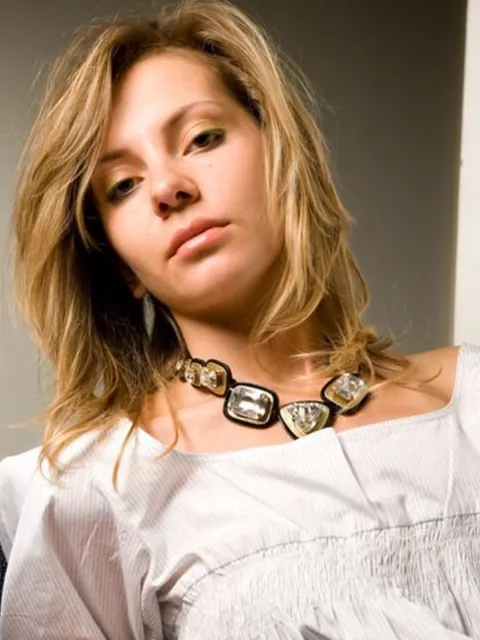
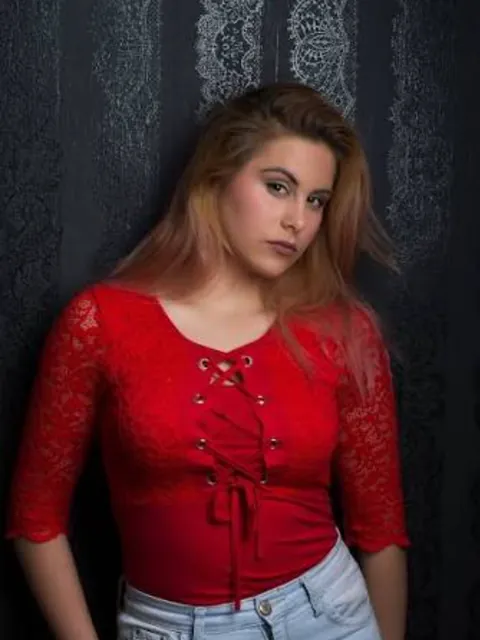
Generated video
Good for
Podcast or channel launch
Two hosts introduce the show in four lines.
A song about chores
Who does the dishes, rapped like a serious single.
Language practice
Rap new English or Chinese words and remember them faster.
Sample lines
Lyrics can be in English or Chinese.
Red light on, keep the coffee near
Second take, now the hook sounds clear
You hold it low and I'll carry it high
One more run and we call it a night
Photo tips
Choose photos without headphones, microphones or instruments; the studio adds them. Similar framing for both photos keeps the pair balanced.
AI Image Editor ↗How it works
Add one photo per person, or one photo of both.
Write your lines or start from a topic.
Choose model, length and shape, check the credits, then generate.
Frequently asked questions
Can I upload my own song?
Not in this template. The music is generated together with the video; you control the words.
Why is a word sometimes skipped?
Generated rapping can drop or blur words, especially in long lines. Short, simple lines usually come out clearer.
Can I use it for a real podcast intro?
Yes. Download the video and use it in your intro or trailer.
Can I write my own lines?
Yes, up to 8 lines and 300 characters, 80 per line. Or give a topic and edit the suggested lines. Lines alternate between the two people, starting with the person on the left.
Will the voices sound like us?
No. Voices are generated for the performers in the video; they are not copies of anyone's real voice.
Does the video include on-screen lyrics?
Not at the moment. The video has the performance and sound only. Add captions in your editing app if you need them.
What if generation fails?
Check the task status and your credit history for the outcome. Contact support if a failed task remains unresolved.
Related templates
View all templates →Birthday Roast Rap
Two friends tease the birthday star, then wish them well.
2 photo(s) · 12s
House Party Rap
Two friends rap in a living room full of party lights.
2 photo(s) · 12s
AI Hug
Two separate photos meet in one warm hug.
2 photo(s) · 5s