AI Thumbnail Maker
Make a click-worthy thumbnail from one photo and your video title. Choose a style, from a big reaction face to a clean tutorial look, and the AI thumbnail maker builds a bold 16:9 image with large, readable text and your face front and center.
Photos
Your photo
A clear, well-lit photo works best. JPG, PNG or WebP.
Up to 10 MiB · 512–5999 pixels per side
Thumbnail style
Settings
Example
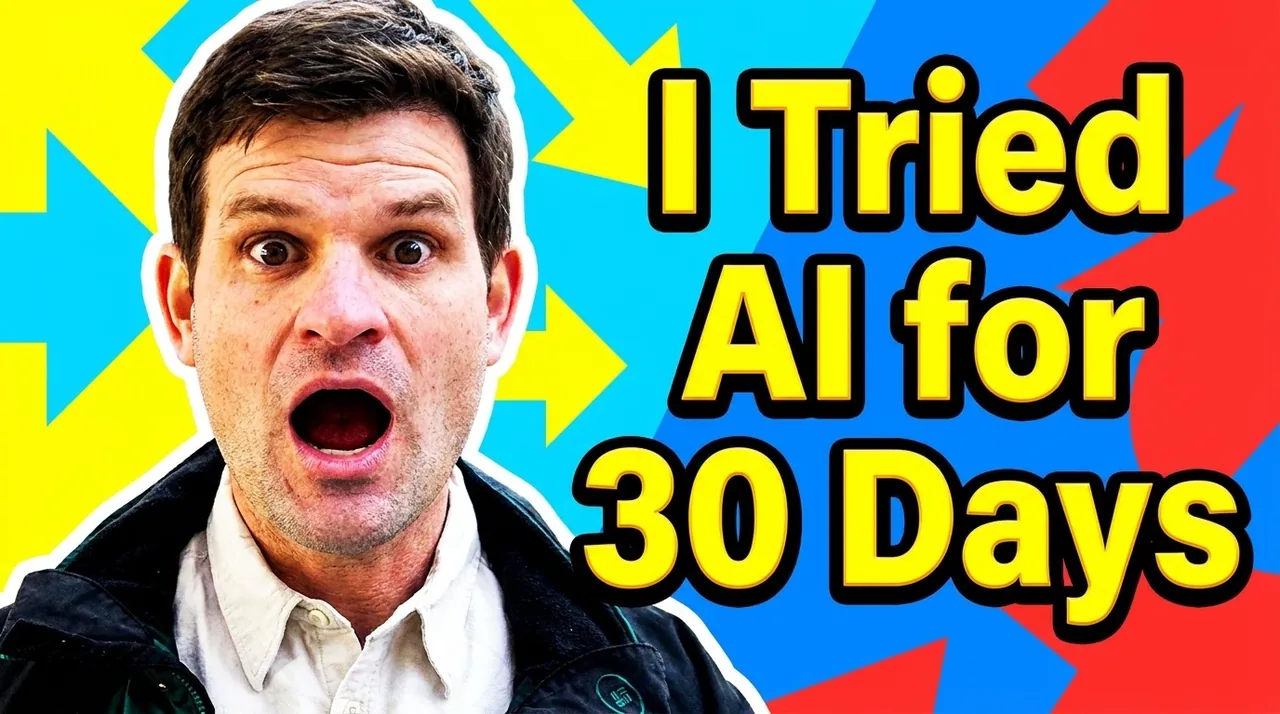 After
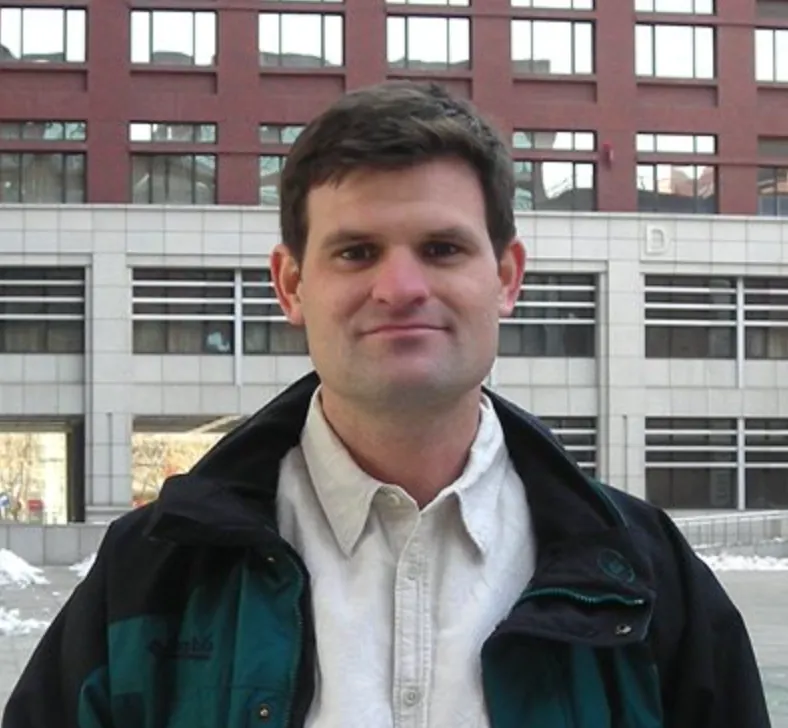
Upload a photo to make your own version.
Before and after
Good for
New upload
Get a thumbnail ready while the video renders.
Test two versions
Make a reaction and a clean version and compare them.
Podcast episodes
Put the guest's face and the topic on every episode.
Photo tips
A sharp, well-lit photo from the chest up with a clear expression works best. Keep the title short: three to six words read best at small sizes.
AI Image Editor ↗How it works
Upload your photo. You can also scan the QR code to send one from your phone.
Pick a style and, where the template asks for it, add a short text.
Choose a model, check the credits on the button and generate. The result appears here and in My Images.
Frequently asked questions
Can I make a thumbnail for YouTube?
Yes. The image is 16:9, the shape YouTube uses for thumbnails. You can download it and upload it as your video's custom thumbnail.
Which model is best for text?
On paid accounts, GPT Image 2.5 and Nano Banana Pro usually render titles more reliably. Always check the spelling before you publish.
Can I use other languages in the title?
You can, but English and other Latin-script titles come out most reliably. Short titles work best in any language.
How many credits does it cost?
It depends on the model you choose, and the exact price is shown on the Generate button before you start. Free accounts can use Nano Banana; Nano Banana Pro and GPT Image 2.5 need a paid account (any credit pack or plan).
Will it look exactly like the example?
No. Every image is generated fresh, so details differ each time. If the first result isn't right, generate again or try another model.
Where are my results saved?
On this page and in My Images in your ViNano account, where you can download them later.
What if generation fails?
The credits for a failed task are returned to your account. Check My Images and your credit history, and contact support if a task stays unresolved.