AI Christmas Photo
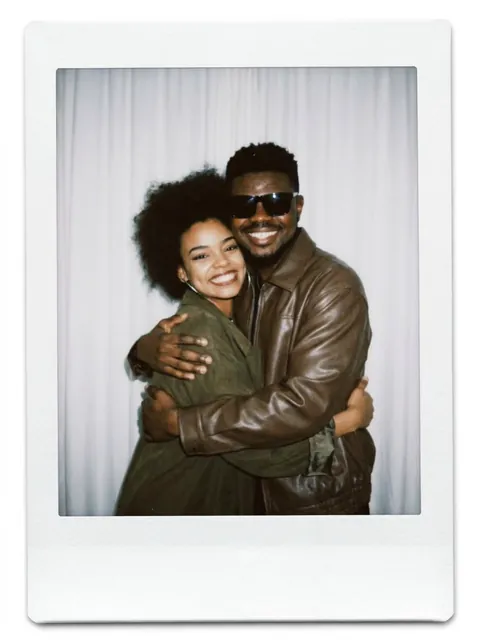
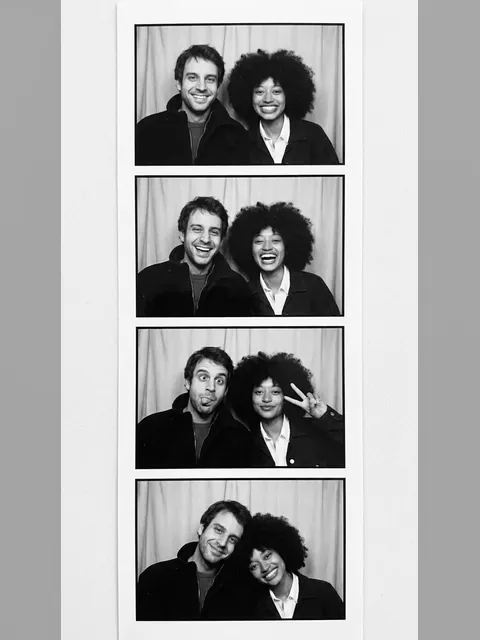
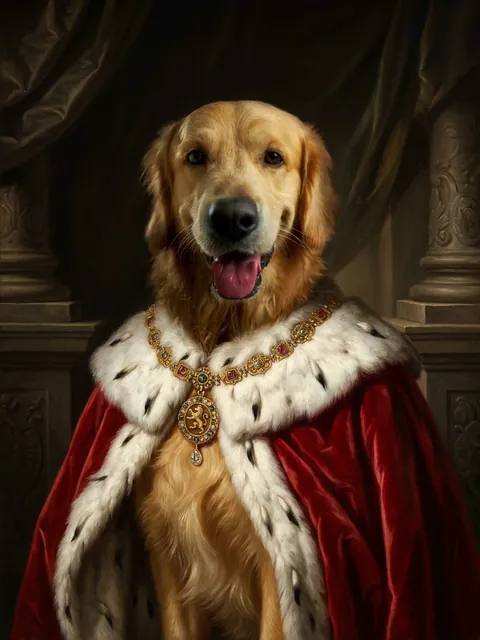
Make a festive Christmas photo without the photoshoot. Upload one photo, or two for a couple or two friends, and choose a cozy fireplace, a snowy street, matching ugly sweaters or a Christmas card layout with your own greeting.
Photos
Your photo
Second person (optional) · Optional
A clear, well-lit photo works best. JPG, PNG or WebP.
Up to 10 MiB · 512–5999 pixels per side
Scene
Settings
Example
 After

Upload a photo to make your own version.
Before and after
Good for
Christmas cards
Send a card with your own photo and greeting.
Couples far apart
Two photos, one Christmas picture together.
Holiday profile photo
A festive picture for December.
Photo tips
Use clear, front-facing photos. With two people, upload one photo of each; they'll be placed together in the scene.
AI Image Editor ↗How it works
Upload your photo. You can also scan the QR code to send one from your phone.
Pick a style and, where the template asks for it, add a short text.
Choose a model, check the credits on the button and generate. The result appears here and in My Images.
Frequently asked questions
Can I make an AI Christmas card?
Yes. Choose Greeting card and type your message, or leave it empty for "Merry Christmas". Check the spelling in the result.
Can I add my family?
This template takes up to two photos. For a bigger family, upload one photo with everyone in it.
Can I print it?
Yes. The image is 3:4, which prints well as a photo card.
How many credits does it cost?
It depends on the model you choose, and the exact price is shown on the Generate button before you start. Free accounts can use Nano Banana; Nano Banana Pro and GPT Image 2.5 need a paid account (any credit pack or plan).
Will it look exactly like the example?
No. Every image is generated fresh, so details differ each time. If the first result isn't right, generate again or try another model.
Where are my results saved?
On this page and in My Images in your ViNano account, where you can download them later.
What if generation fails?
The credits for a failed task are returned to your account. Check My Images and your credit history, and contact support if a task stays unresolved.