
Building 35 commercial cases meant generating far more than 35 times. Failed attempts outnumbered successful ones by roughly 3 to 5. This post documents the problems that kept recurring, and the solutions that actually worked.
Mistake 1: Scene Doesn't Match the Product's Register
This was the most common failure. We were generating a hero shot for a premium perfume and put "beach setting" in the prompt — the model delivered a perfume bottle on sand that looked like a souvenir shop prop, not a luxury fragrance.
The root cause: "luxury" and "beach" are semantically contradictory in the model's visual vocabulary. Switching to "private yacht deck, white linen tablecloth, golden-hour backlighting" immediately changed everything.
Fix: Every scene element in your prompt needs to be consistent with the product's market position. Luxury goods don't belong in casual natural settings; mass-market products look out of place in overly elite contexts.
Mistake 2: Using Vague Camera Motion Descriptions
Video prompts with "show the product," "make it move," or "camera movement" — these are too ambiguous. The model decides randomly, and results are highly inconsistent. We generated the same prompt six times and got six completely different camera movements, some with visible shake.
Using specific cinematography terms made the output much more predictable. Useful ones: slow push-in, orbit around, overhead to eye-level tilt, static with subject movement. The more specific you are, the closer the output is to what you intended.
Mistake 3: Stacking Quality Modifiers
"Ultra high quality, best quality, masterpiece, perfect, stunning, breathtaking" — stacking these adds no value and sometimes causes oversaturation or oversharpening.
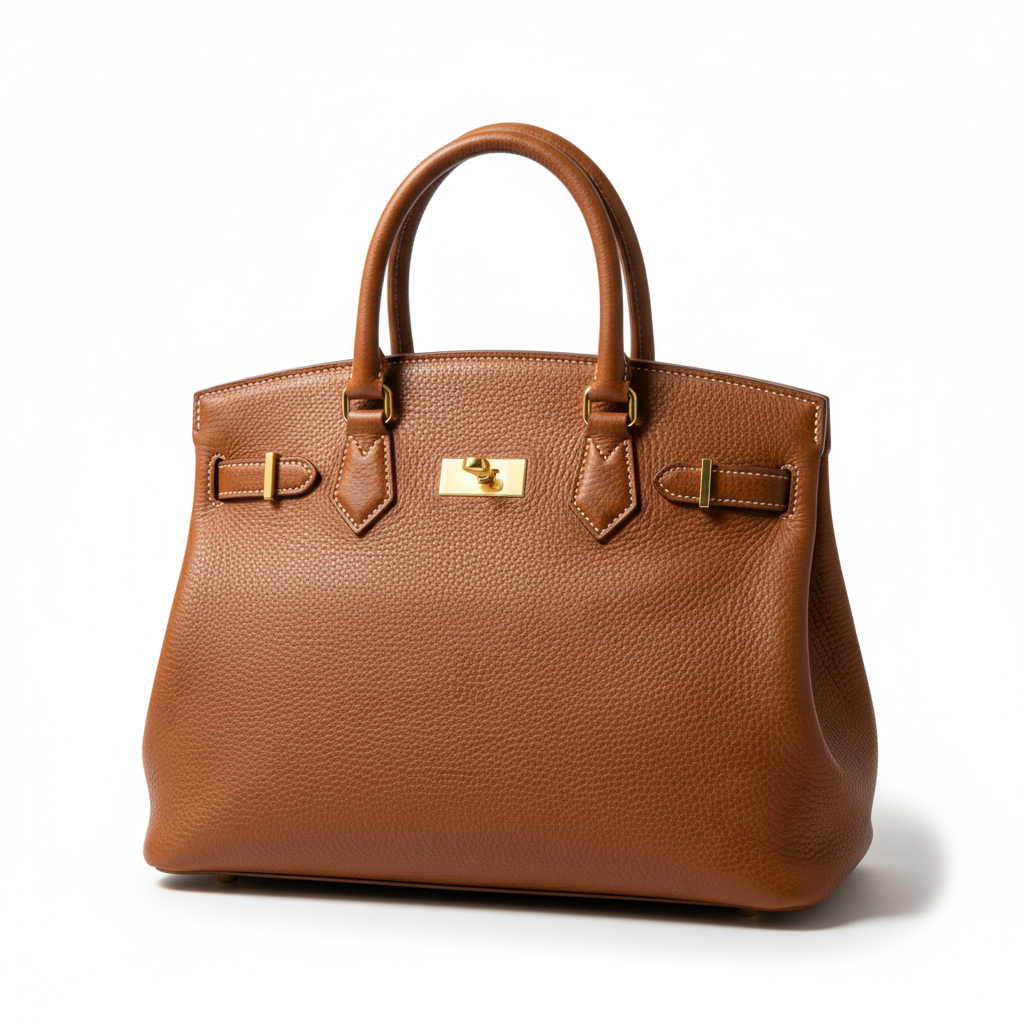
The effective approach is to describe specifically what quality means for your shot: "leather texture clearly visible," "metal rim with even reflections," "fabric with natural drape." Concrete visual descriptions beat abstract adjectives every time.
Mistake 4: Uploading a Reference Image Without Referencing It in the Prompt
We uploaded product reference images but didn't say what to use from them. The model sometimes used the reference, sometimes mostly ignored it.
The right approach: explicitly state in the prompt what to preserve and what to change. "Based on the provided reference, maintain the exact [color/material/shape/logo placement], change only [background/lighting/angle]." Separating what stays from what changes is what makes references actually work.
Mistake 5: Prompts That Were Too Long for Seedance
Seedance 2.0 works best with prompts under 60 English words. We tested longer prompts (100+ words) and the model started ignoring portions — typically the content that appeared later in the prompt.
If your scene is genuinely complex, break it into multiple shorter clips, each with a concise prompt. That's more reliable than expecting the model to handle every detail in one long prompt.